A free subscription tracker spreadsheet.
A template for Excel, Google Sheets and Numbers that adds up what you pay for, per month, per year and over five years.
Free, with nothing to sign up for.
meter-subscription-tracker.xlsx
Subscription Tracker
- Per Month
- $106.90
- Per Year
- $1,282.76
- Over 5 Years
- $6,413.80
What doesn’t renew monthly is counted at its monthly share. Over 5 Years is at today’s prices.
| Name | Price | How Often | Next Renewal | For | Per Month | Per Year | Notes |
|---|---|---|---|---|---|---|---|
| Netflix | $18.99 | Monthly | Oct 9, 2026 | Everyone | $18.99 | $227.88 | |
| Spotify | $12.99 | Monthly | Oct 17, 2026 | Maya | $12.99 | $155.88 | |
| ChatGPT | $20.00 | Monthly | Oct 25, 2026 | Me | $20.00 | $240.00 | |
| Adobe | $659.00 | Yearly | Mar 14, 2027 | Me | $54.92 | $659.00 | Decide before it renews |
SubscriptionsHow to Use
What it does
Totals at the top
Per Month, Per Year and Over 5 Years add up every row as you fill it in, and stay in view as the list grows.
Each one’s monthly share
Choose how often from the five choices Meter has. What doesn’t renew monthly counts at its monthly share, and every 2 weeks as 26 payments a year.
Renewals coming up
In Excel and Google Sheets, a row turns light orange when it renews in the next seven days, so you can decide before you’re charged.
How to open it
Excel
- Download the template.
- Open it in Excel, on a Mac or a PC. The list, the totals and the highlight work as they are.
Google Sheets
- Download the template.
- In Google Drive, choose New › File upload, and pick it.
- Open it, and choose Open with Google Sheets. Or, in a sheet, choose File › Import › Upload.
Numbers
- Download the template.
- In Numbers, choose File › Open and pick it: Numbers turns it into a Numbers spreadsheet. On iPhone or iPad, open Numbers and choose it from Downloads.
Microsoft Excel, Google Sheets and Apple Numbers are trademarks of their owners.
Calculate your total, without the download
The subscription cost calculator adds up the same list in your browser: per month, per year and over five years.
Where a spreadsheet stops
A spreadsheet is a fine place to start: it’s free, it works on any computer, and it’s yours to change. Here’s what it can’t do.
-
It won’t remind you
Nothing tells you a renewal is tomorrow. The highlight only shows while the file is open.
-
Dates don’t move on by themselves
When a subscription renews, its Next Renewal stays where it was until you change it, so the list slowly falls out of date.
-
Free trials are easy to forget
A trial looks like any other row, and nothing marks the day it turns paid.
-
One shared file for a family
Share it, and everyone edits the same sheet and sees every row, whoever it’s for.
-
Awkward on a phone
Small cells, sideways scrolling and tiny menus make a quick change hard on the go.
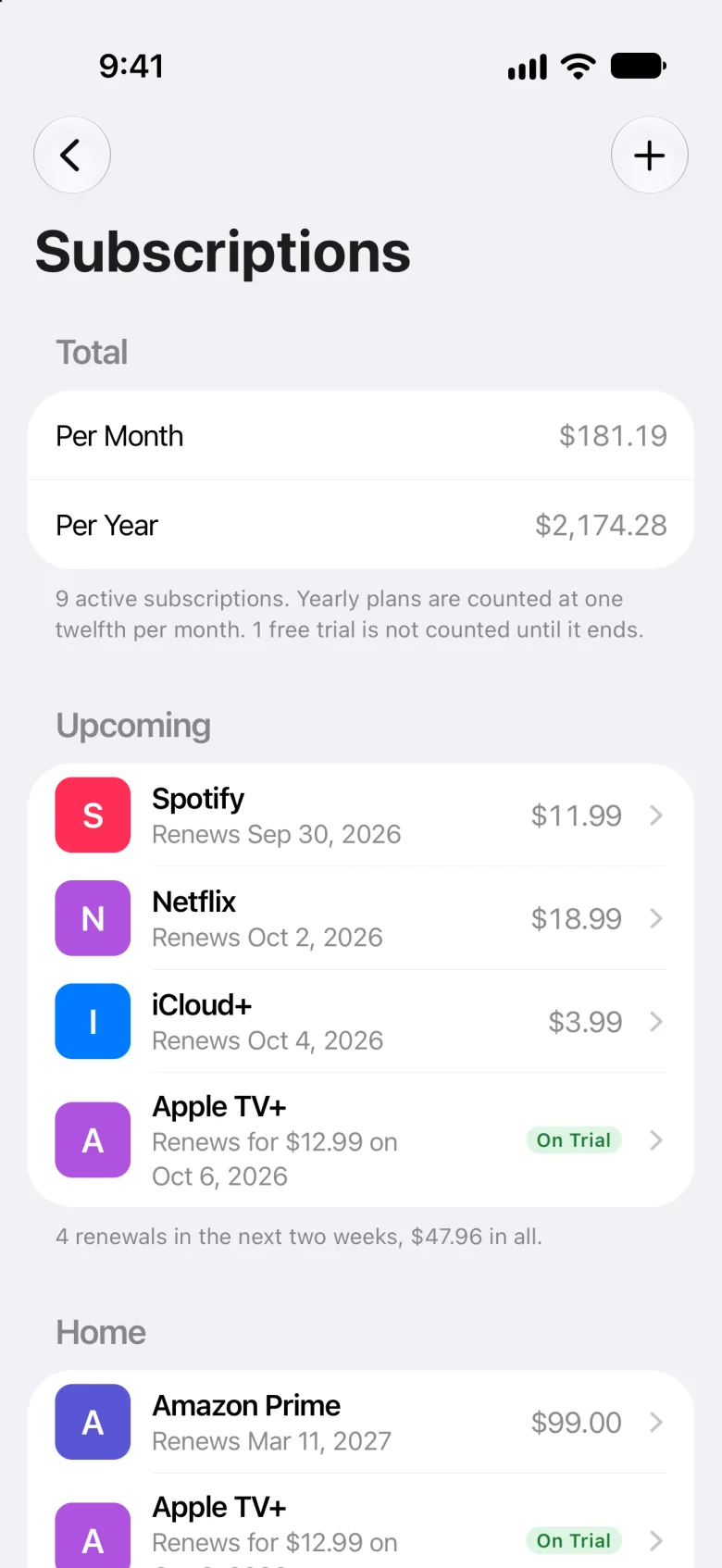
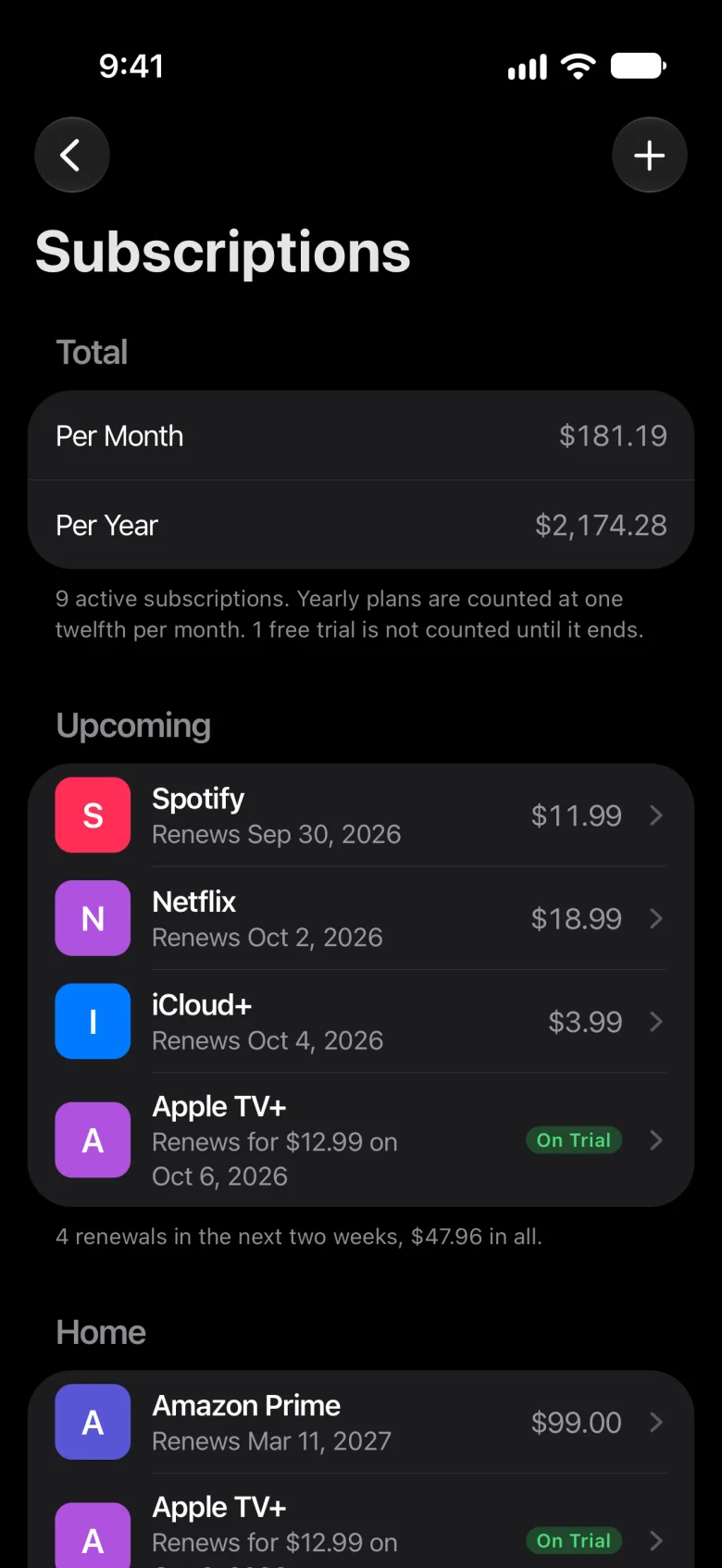
Meter for iPhone
The same list, with a reminder the day before.
- Reminders at 9 a.m., and dates that move on by themselves.
- Per month and per year, with free trials left out until they end.
- Family sharing through iCloud: each person sees what’s theirs.
- Manual too: there’s no bank to connect, and nothing you add is sent to us.
Free during early access, for iPhone in the US and Canada.
Questions
Is the template free?
Yes, and there’s nothing to sign up for. Download it, and it’s yours to change.
Does it work in Google Sheets and Numbers?
Yes. For Google Sheets, upload it to Google Drive and open it with Google Sheets, or choose File › Import in a sheet. Numbers opens it as a Numbers spreadsheet, though it may not keep the highlight for renewals coming up.
How is Per Month worked out?
From the price and how often it renews: a monthly one at its price, every 2 months at half, every 3 months at a third, a yearly one at a twelfth, and every 2 weeks at 26 payments a year, divided by 12. Per Year is twelve months of that, and Over 5 Years is five years of it, at today’s prices.
Will it remind me before a renewal?
No. A spreadsheet can only highlight a renewal while it’s open. Meter, for iPhone, reminds you the day before each subscription renews, at 9 a.m.
Can my family use it?
You can share the file, but everyone edits the same sheet and sees every row. In Meter, you share a home with your family through iCloud and tick who each subscription is for: each person sees what’s theirs, and you see everything.
Why use Meter instead?
For what a spreadsheet can’t do: a reminder the day before each renewal, dates that move on by themselves, free trials left out of your totals until they end, and a home your family shares. Meter is a subscription tracker for iPhone, free during early access in the US and Canada. It’s manual too: you add each subscription yourself, and it never connects to a bank.