Meter

Features

Everything Meter does.

Bills, subscriptions and everything you own, in one calm place. Change any of it by saying it.

Bills

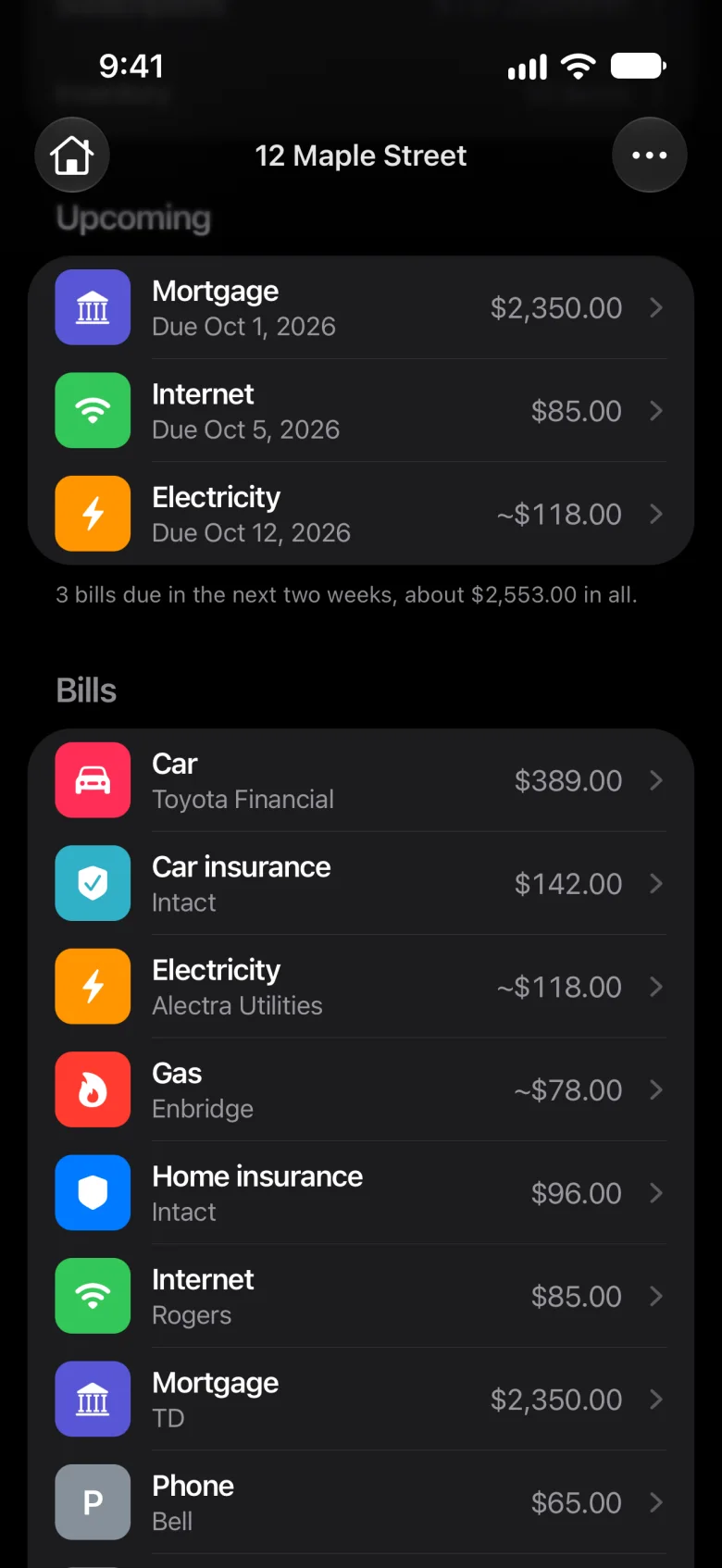
Every bill, and when it’s due.

  • Due dates, and who each one is paid to
  • Electricity, gas and water count by the last bill
  • Pause a bill you’re not paying for now
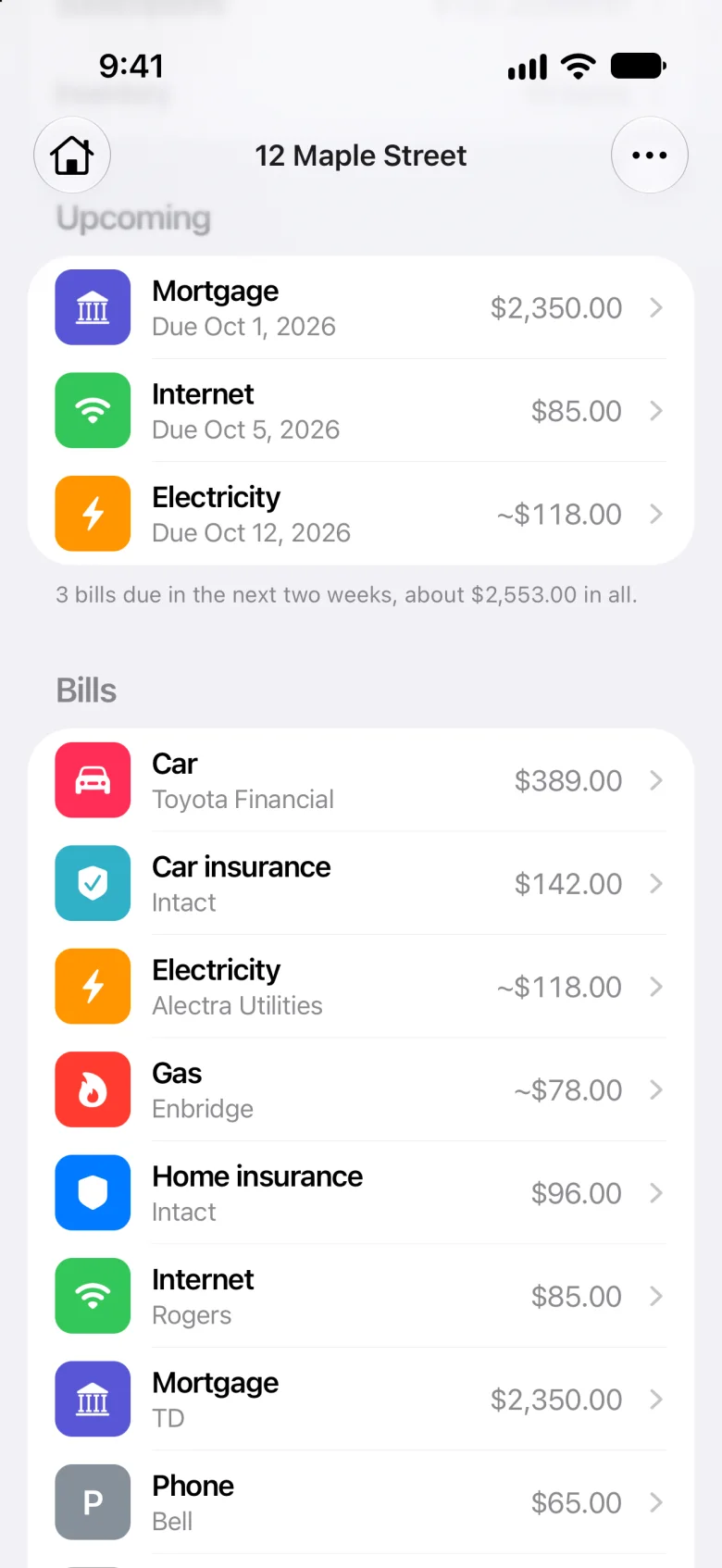
Bills due in the next two weeks: mortgage, internet and electricityBills due in the next two weeks: mortgage, internet and electricity

Subscriptions

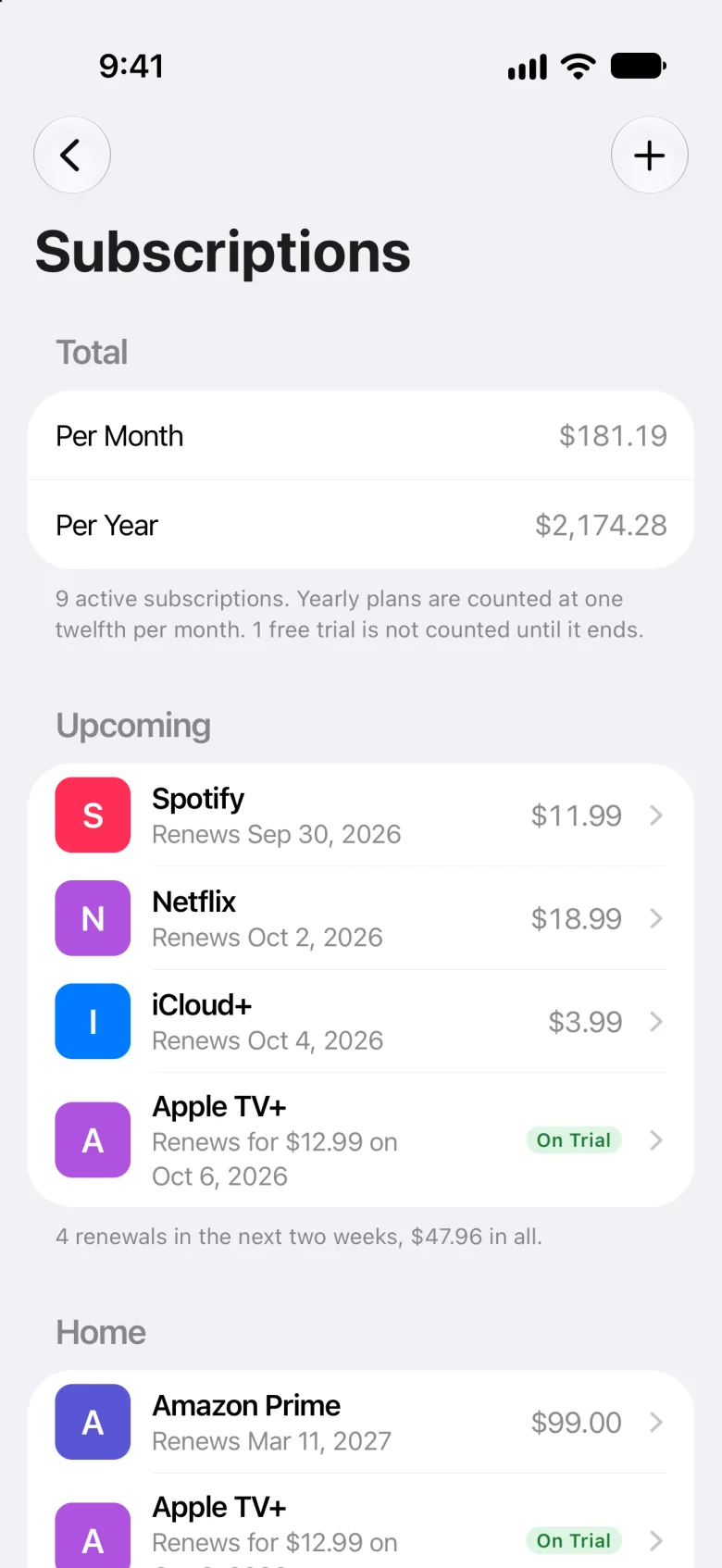
Know what renews, before it does.

  • What you pay a month, and a year
  • Renewals in the next two weeks
  • Free trials count once they turn paid
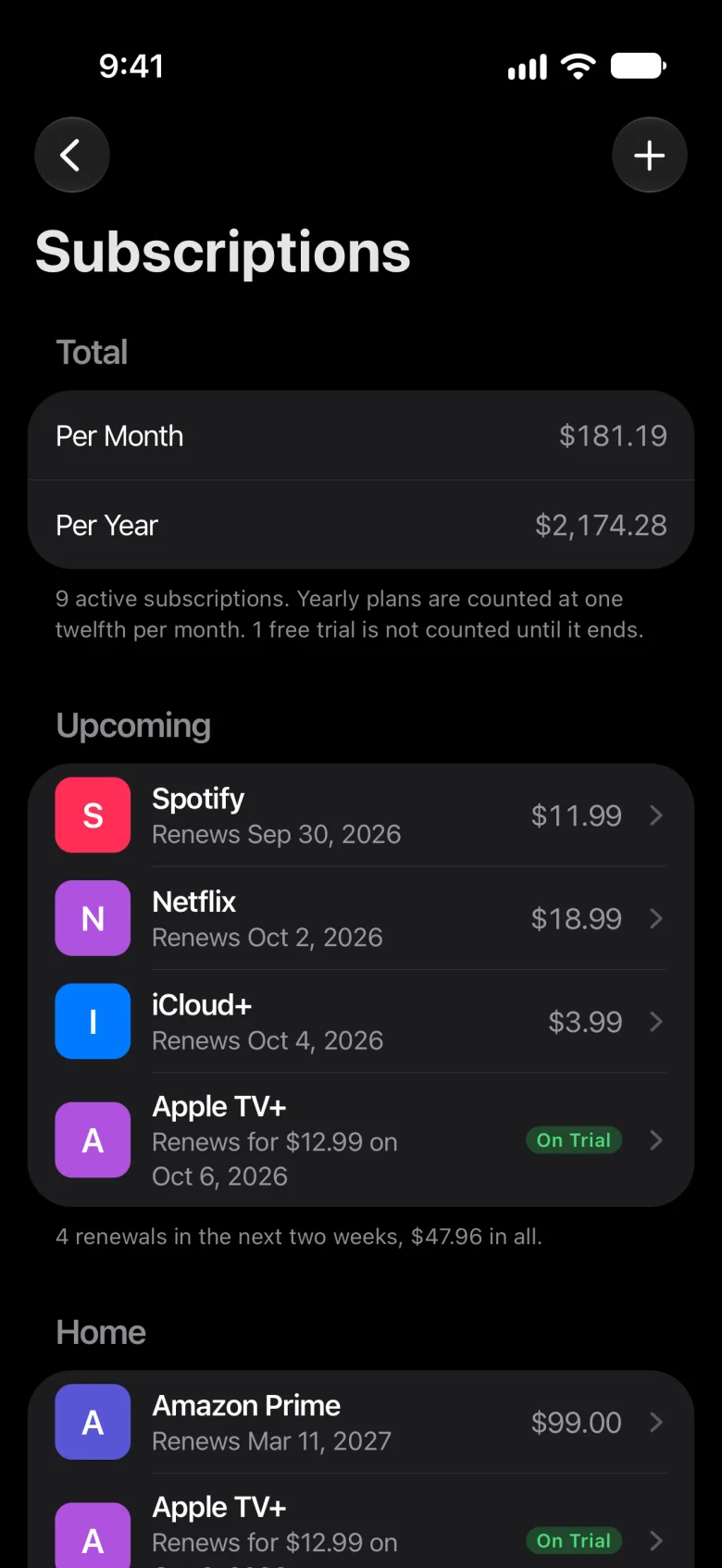
Subscriptions: $181.19 a month, $2,174.28 a year, and the renewals coming upSubscriptions: $181.19 a month, $2,174.28 a year, and the renewals coming up

Magic Edit

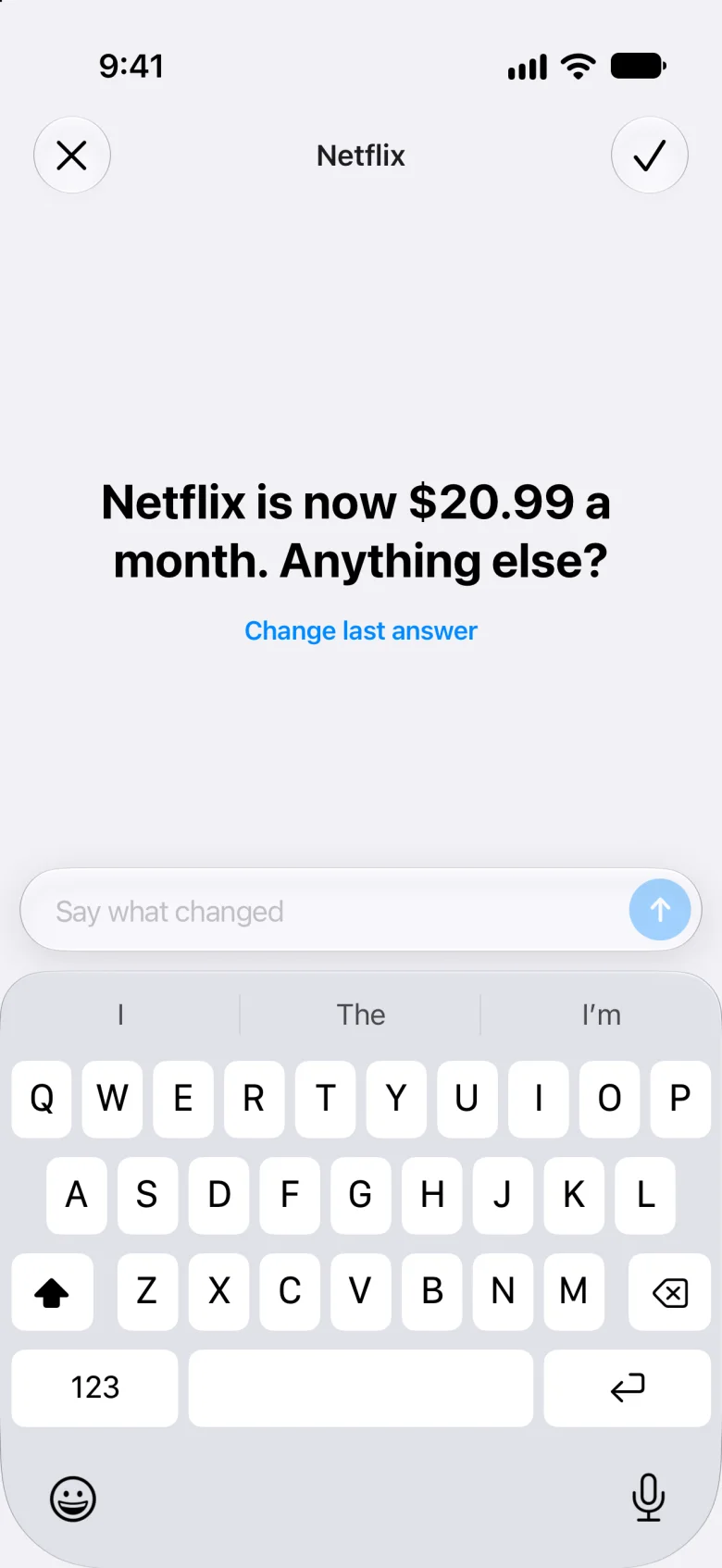
Just say what changed.

  • Touch and hold anything, then choose Magic Edit
  • Type it the way you’d say it
  • Nothing is saved until you tap ✓

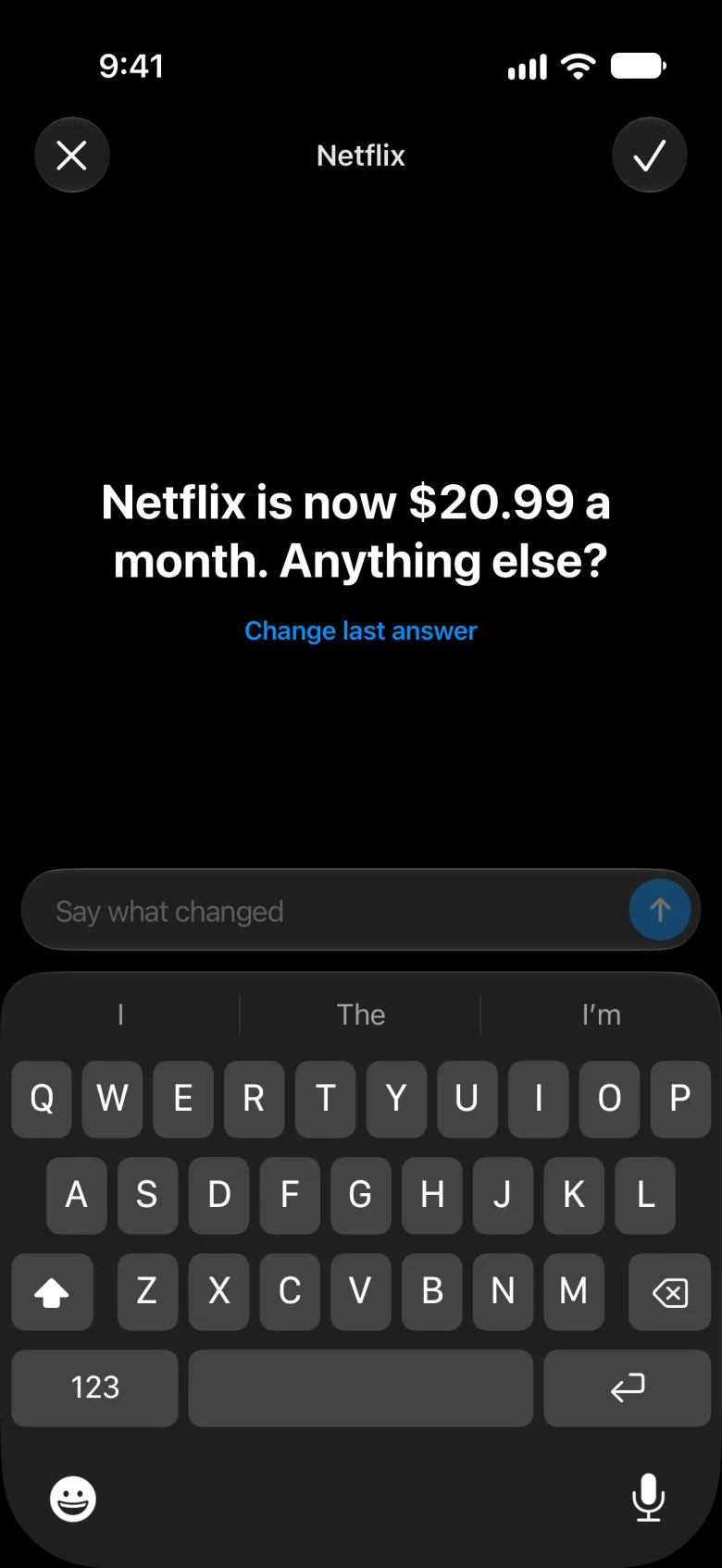
“Netflix went up to $20.99”

Meter’s reply: Netflix is now $20.99 a month. Anything else?Meter’s reply: Netflix is now $20.99 a month. Anything else?
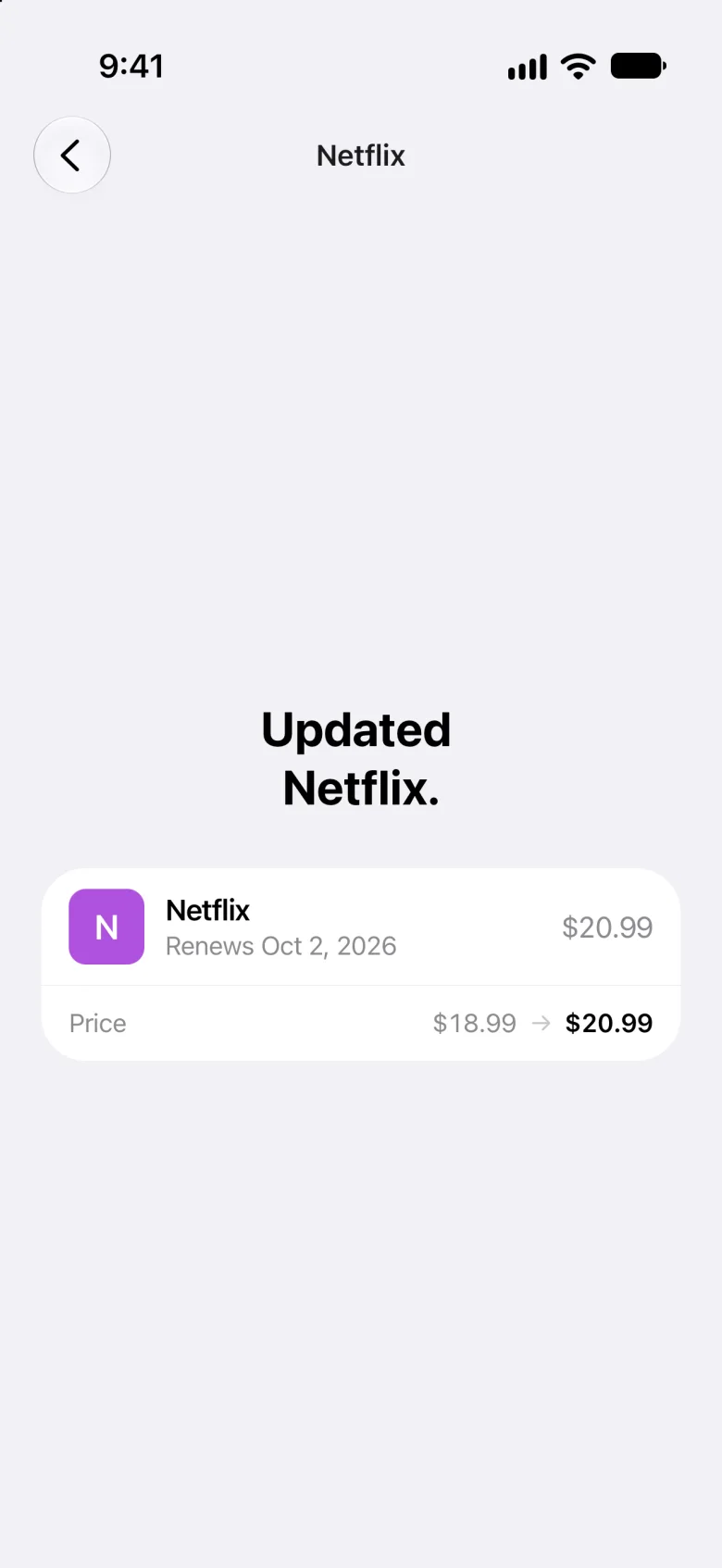
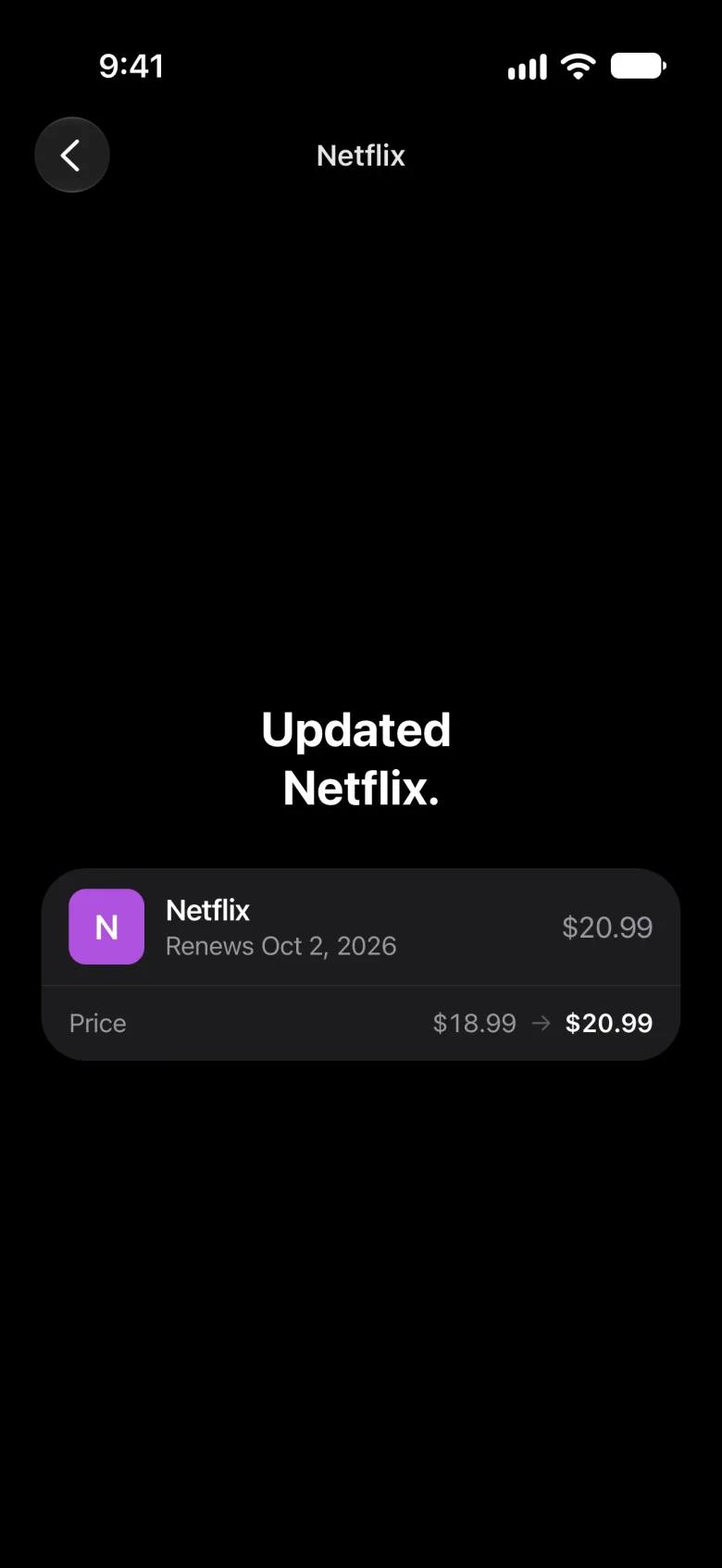
Updated Netflix: the price went from $18.99 to $20.99Updated Netflix: the price went from $18.99 to $20.99

Inventory

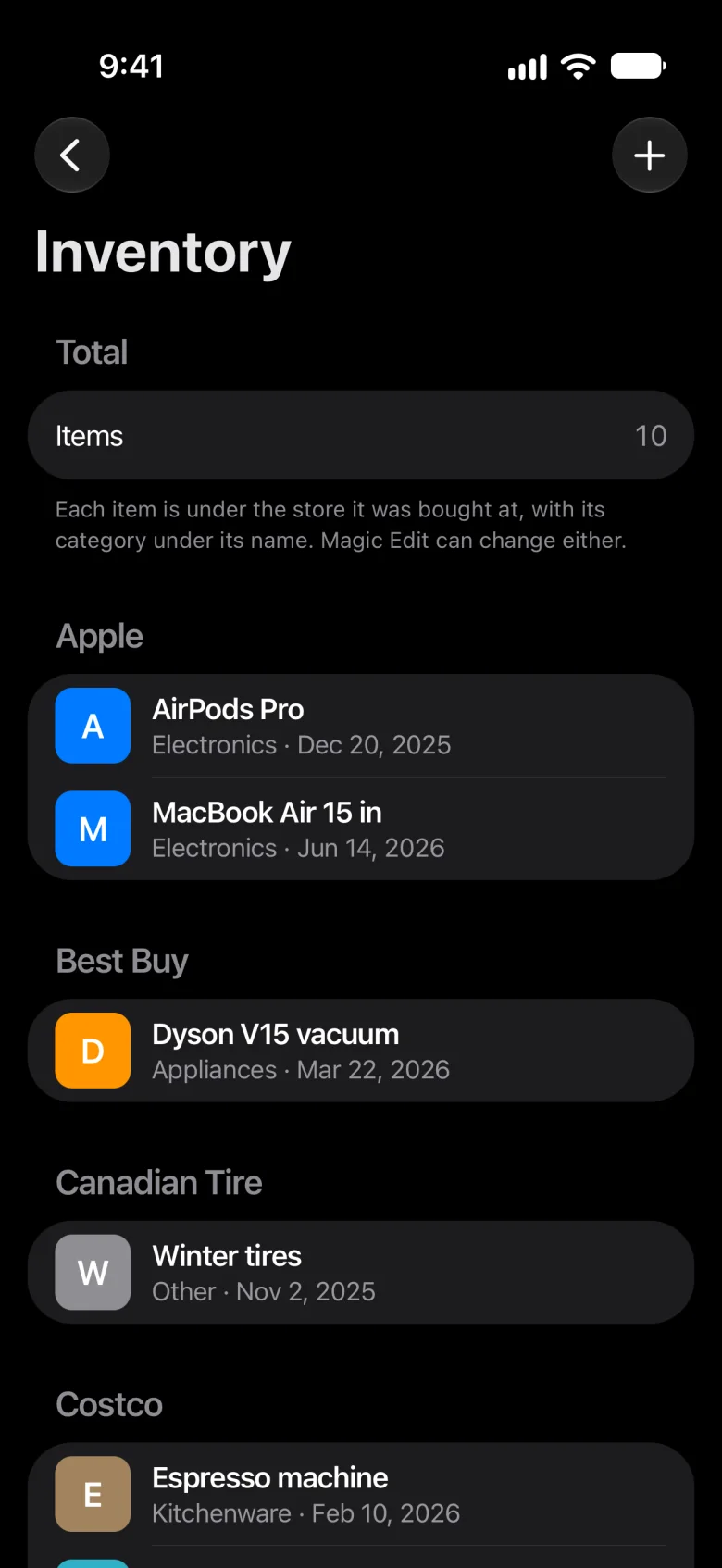
Everything you own, by store.

  • Scan a receipt; every line becomes an item
  • Filed under the store, with a category
  • The picture is deleted once it’s read
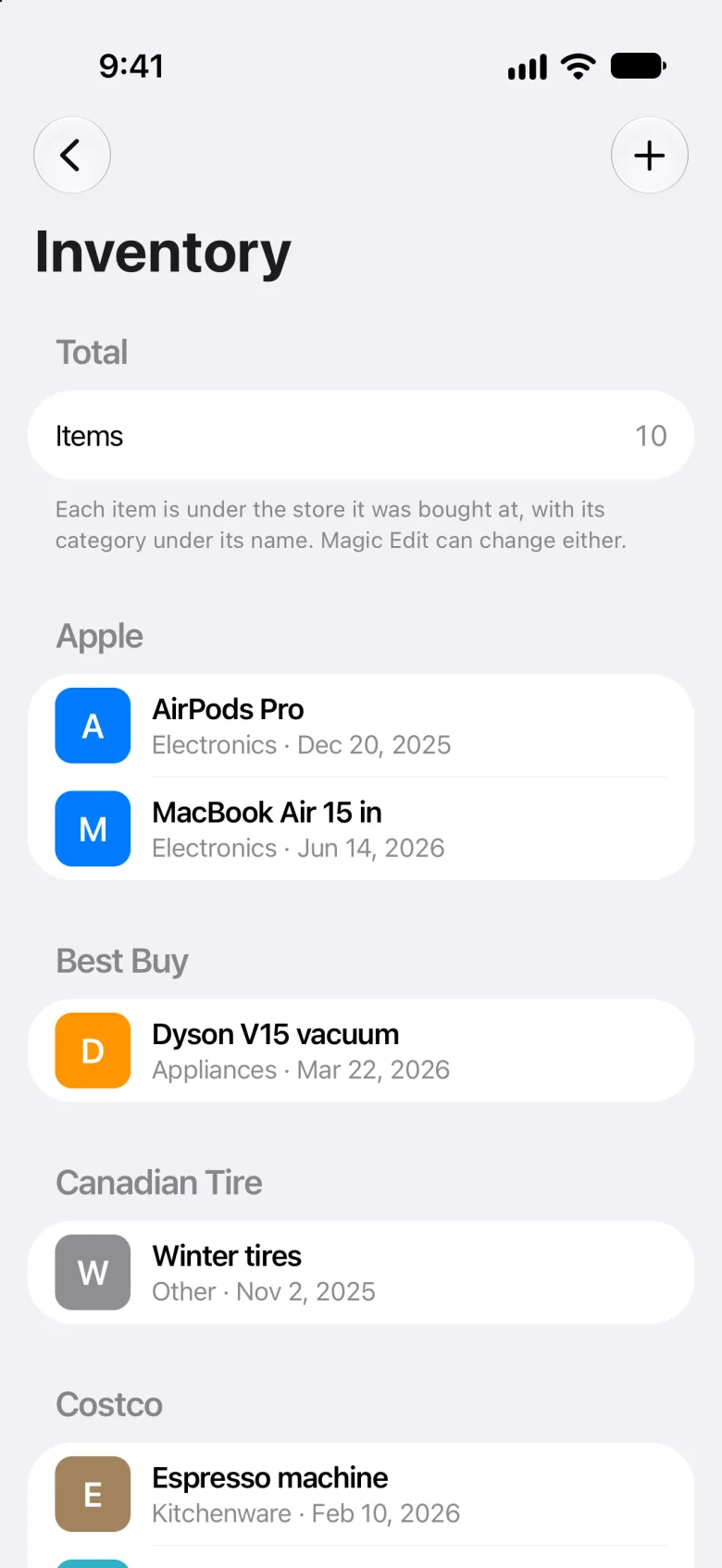
Inventory: things listed under the store they came from, like AirPods Pro under AppleInventory: things listed under the store they came from, like AirPods Pro under Apple

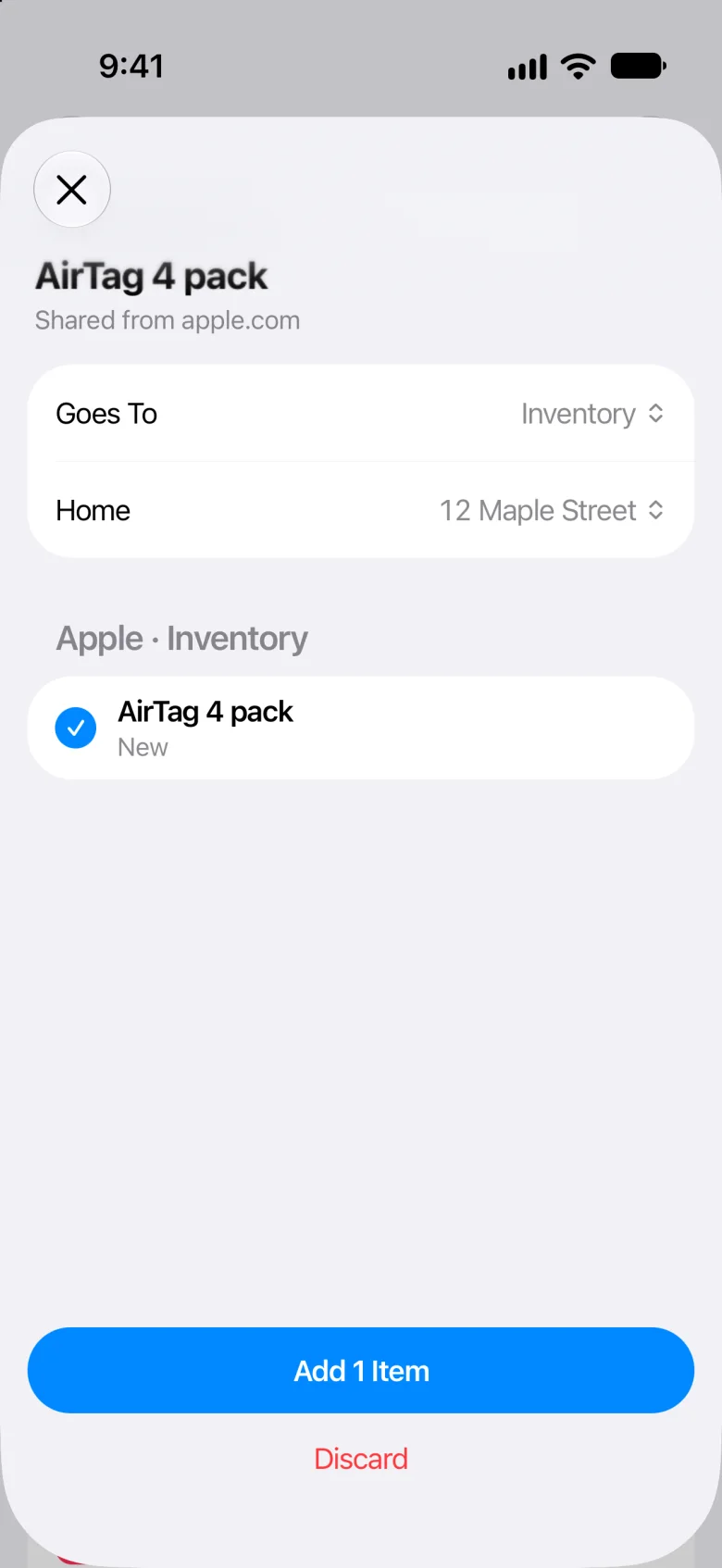
Share into Meter

Share it. Meter sorts it.

  • Pages, links, text, pictures and PDFs
  • Product pages come in as one item
  • Nothing is added until you say so
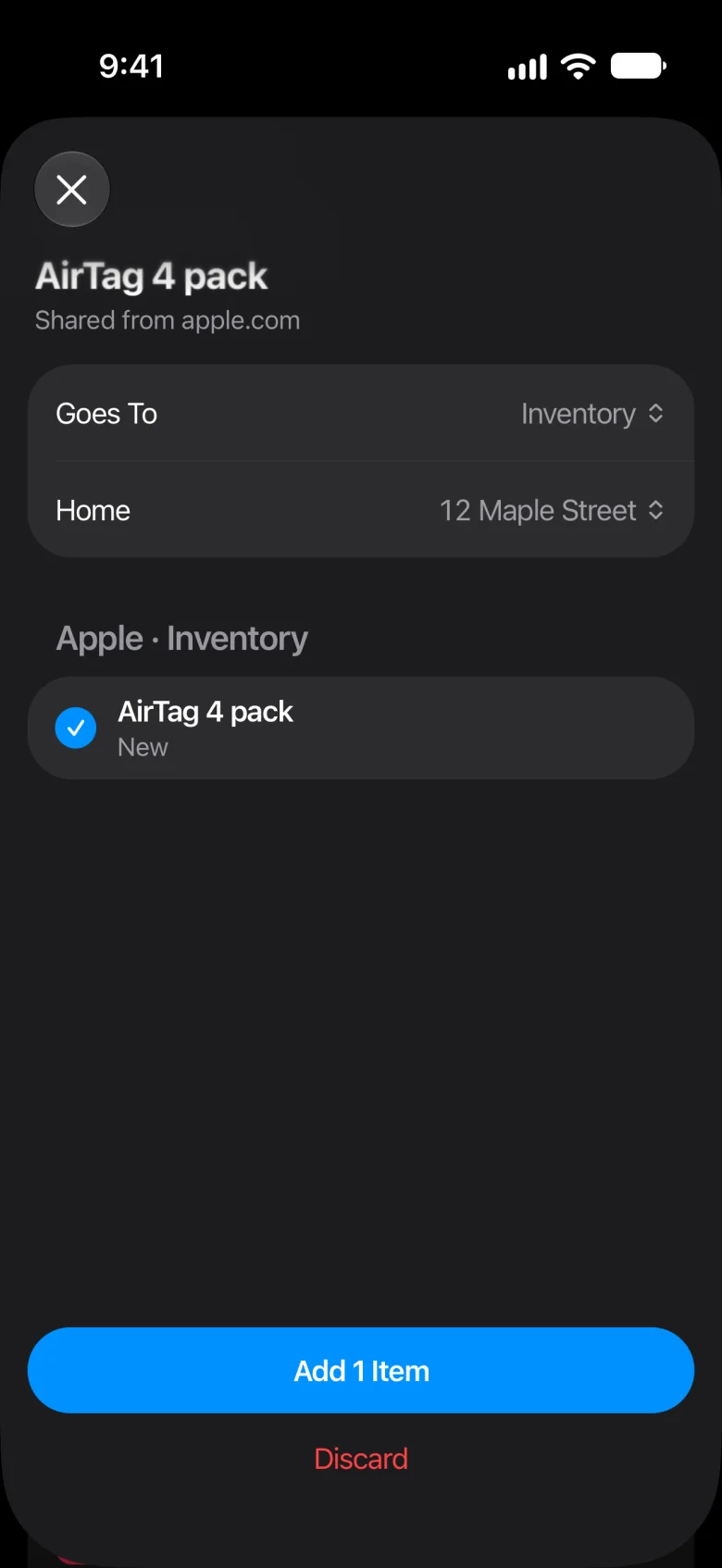
A product page shared into Meter: AirTag 4 pack, ready to add to InventoryA product page shared into Meter: AirTag 4 pack, ready to add to Inventory

Reminders

Two days before a renewal, at nine.

More than one home

Each with its own bills, subscriptions and things.

Change an Icon

Pick the one you’ll recognize at a glance.

Light and Dark

Follows your iPhone.

Apple Intelligence

Tidier receipts and categories, where it’s available.

How to Use Meter

Short guides, in Settings.