A household bill tracker
for the whole family.
Every bill and subscription your home has, in one place. Share it with your partner and family, and each person sees what’s theirs.
Why a household
A home isn’t one person’s list.
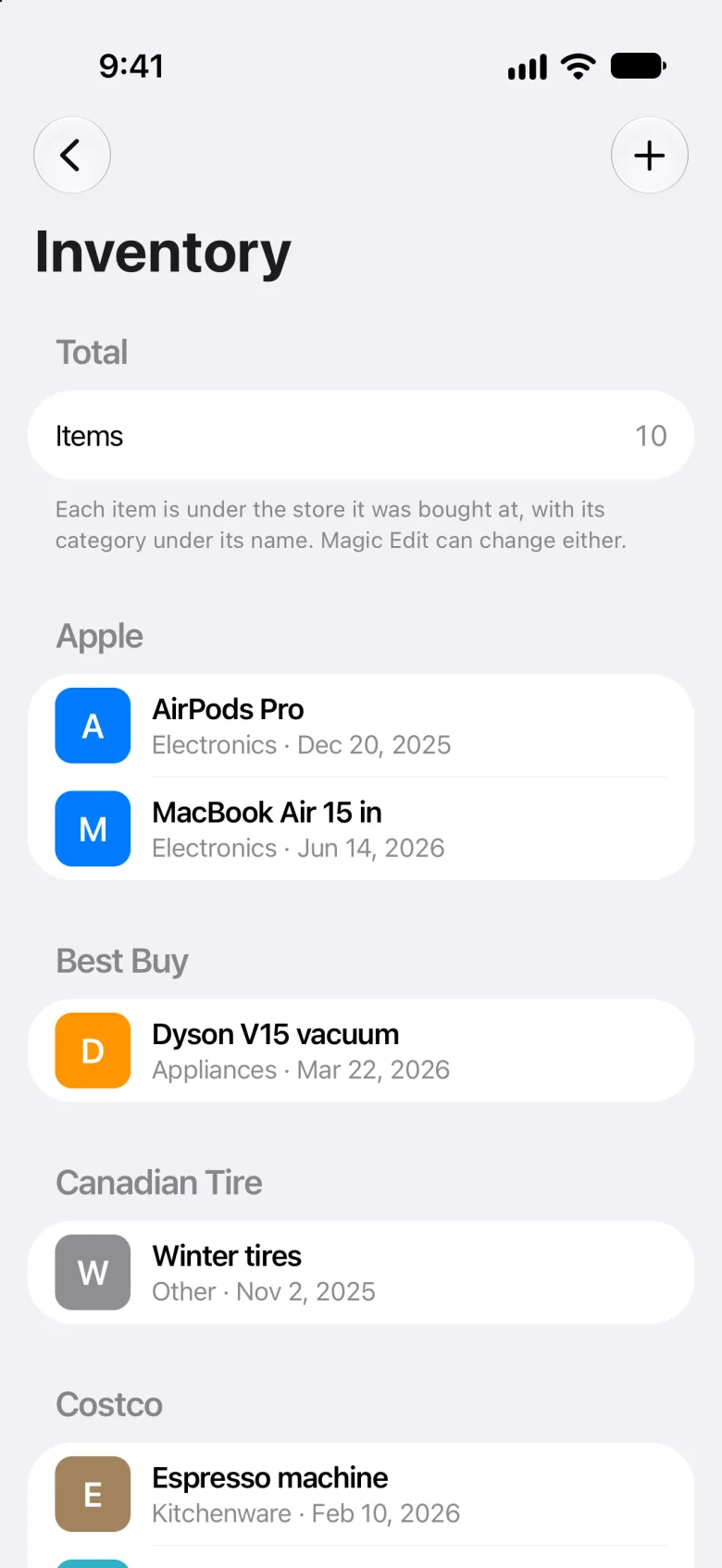
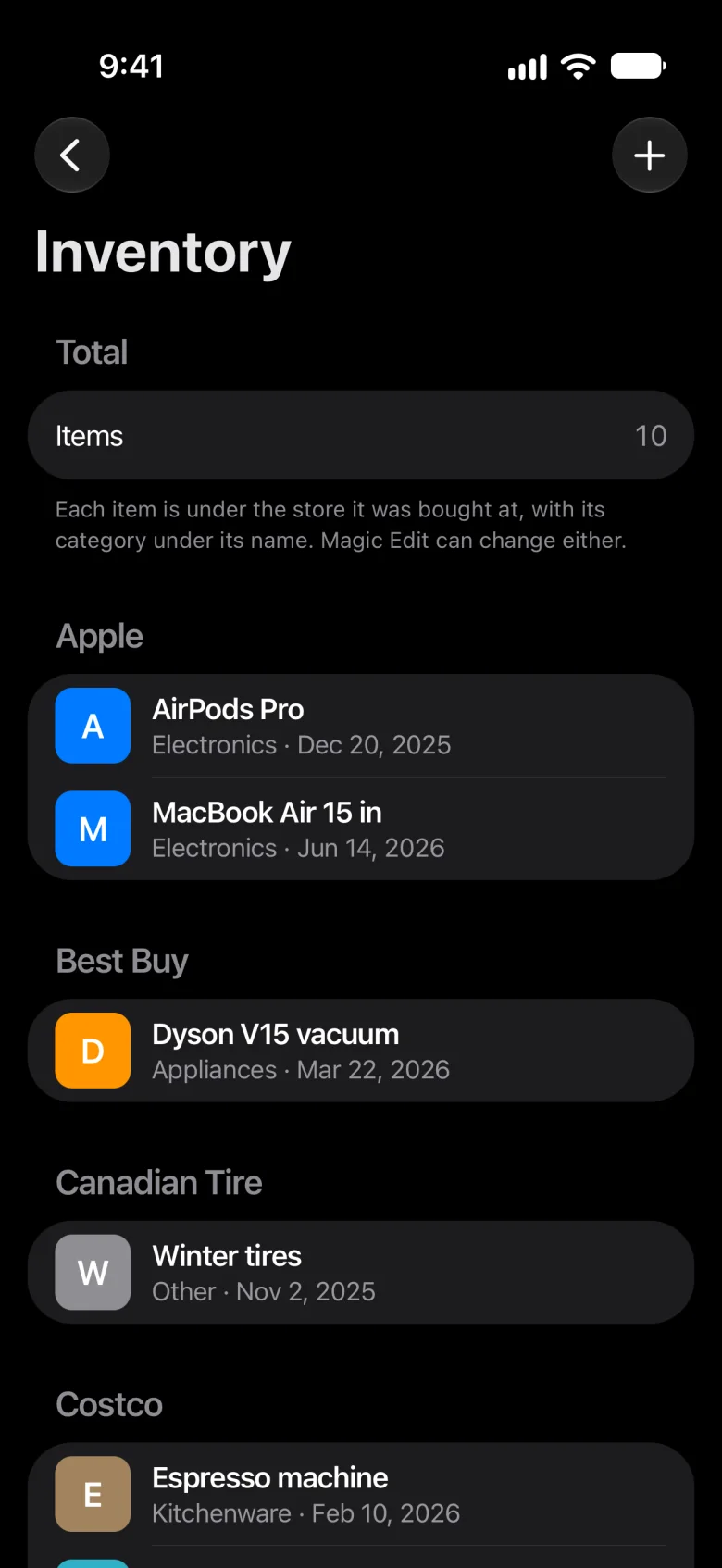
Most of what a home pays for belongs to no one person. Yet many trackers are built around one person, usually with one account and one list. Meter starts from the home: its bills, the subscriptions you share, the things you own, and the people who live there.
- Bills no one person owns
- The rent or mortgage, the electricity, the internet and the insurance belong to the home, whoever pays them.
- Subscriptions you share
- One streaming plan for the whole family is one subscription, whichever card pays for it.
- Things you all own
- The car, the TV and the vacuum were bought once, for everyone who lives there.
Home
A home, not a person.
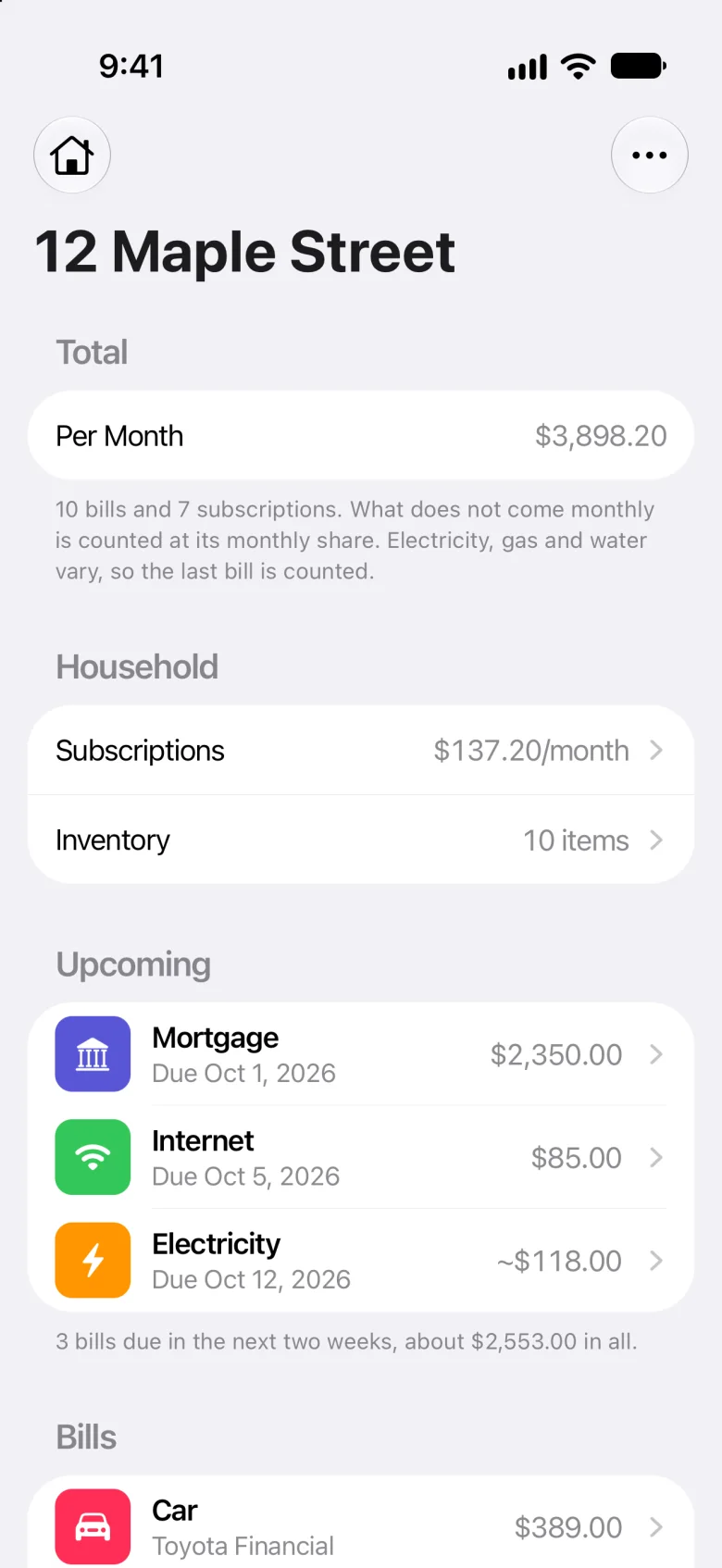
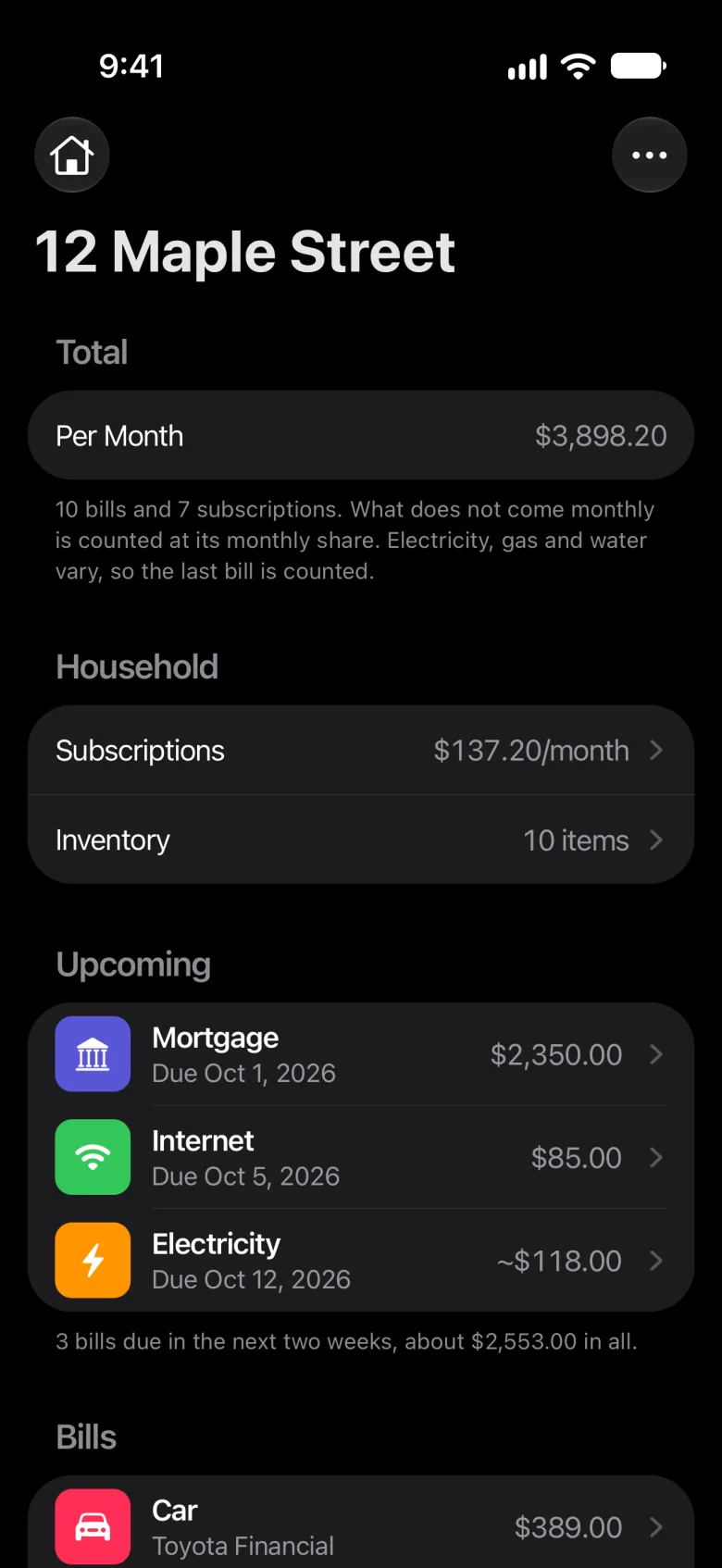
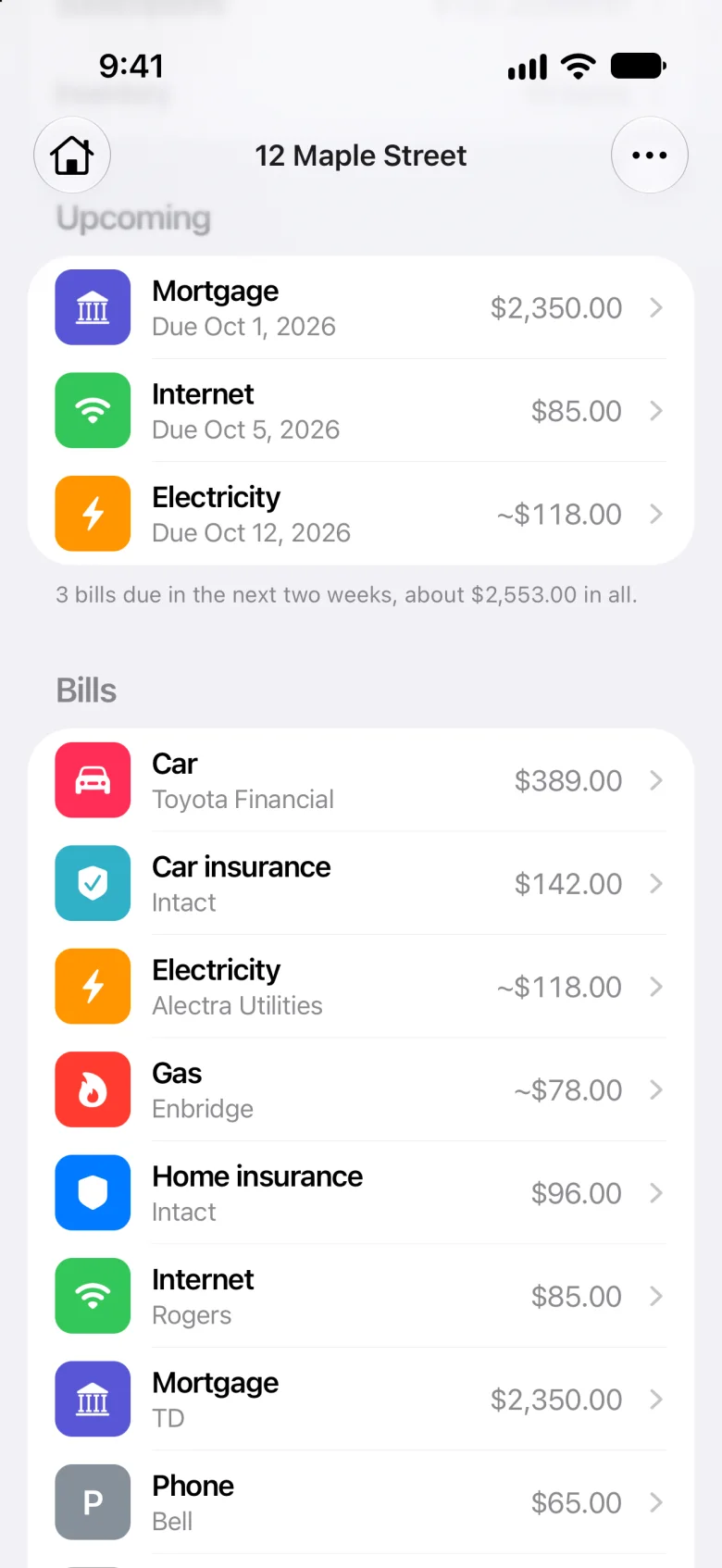
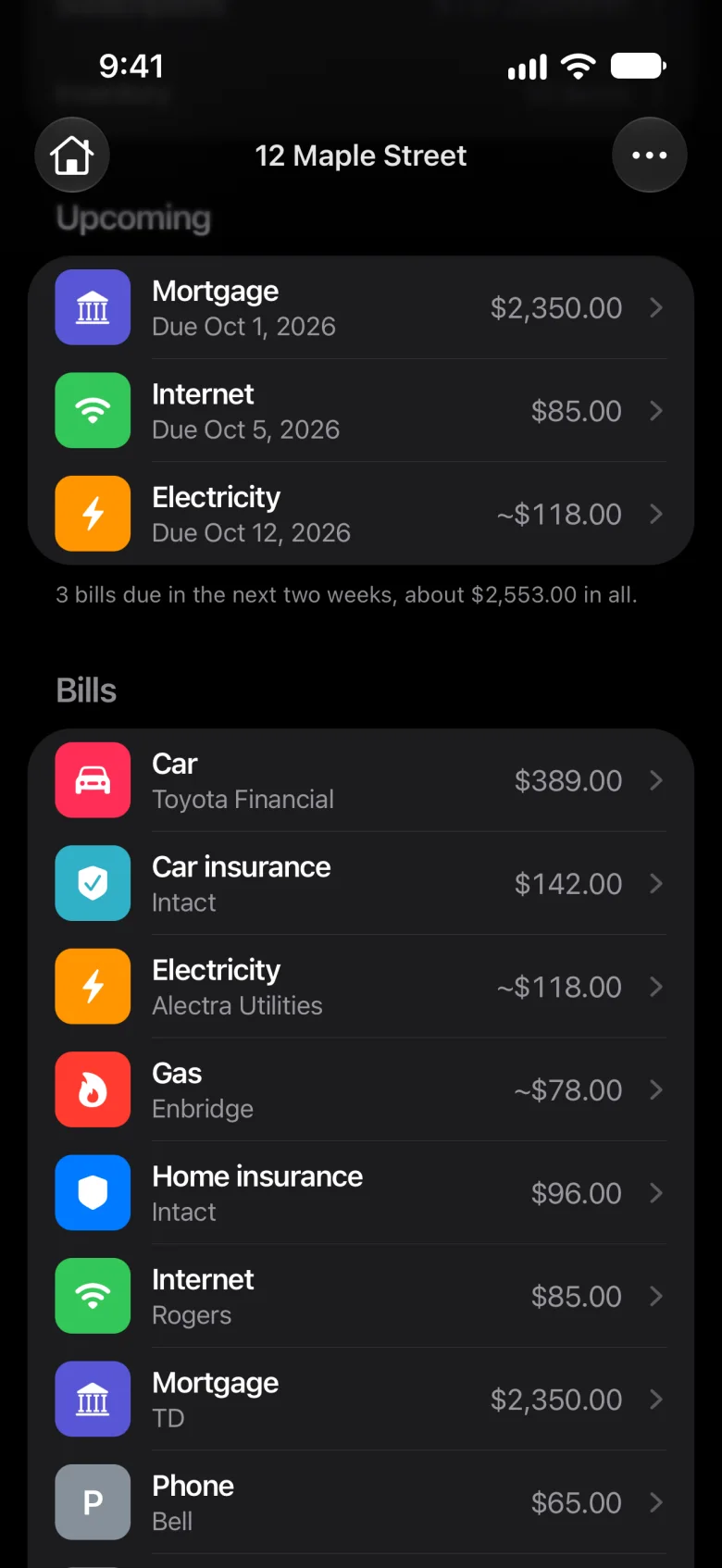
Meter opens on your home: its address, everyone who lives there, and what the whole home pays.
- One Per Month for the whole home, bills and subscriptions together
- One Upcoming for what’s due in the next three days, soonest first
- What doesn’t come monthly counts at its monthly share
Want a total first? Add up the family’s subscriptions with the subscription cost calculator.
Family
Everyone in it.
Add the people you live with, then invite them by Messages or Mail. Your home is shared through iCloud, and they join on their own iPhone.
-
Add them
Tap the gear on Home, then Family Members, and tap Add Family Member.
-
Invite them
Open the person you added, tap Invite, and send the link by Messages or Mail.
-
They join
They accept the invitation on an iPhone with Meter, signed in to iCloud.
Sharing
Who each one is for.
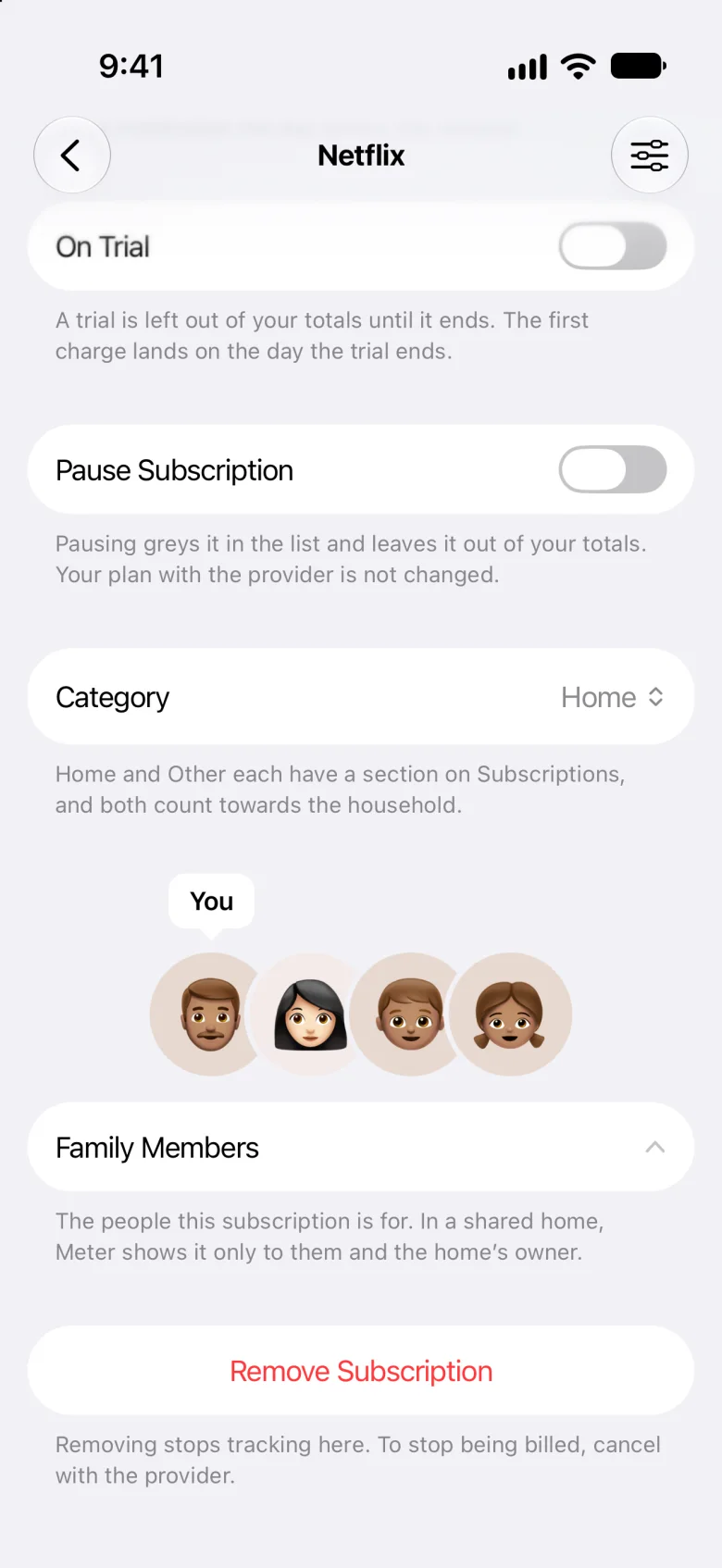
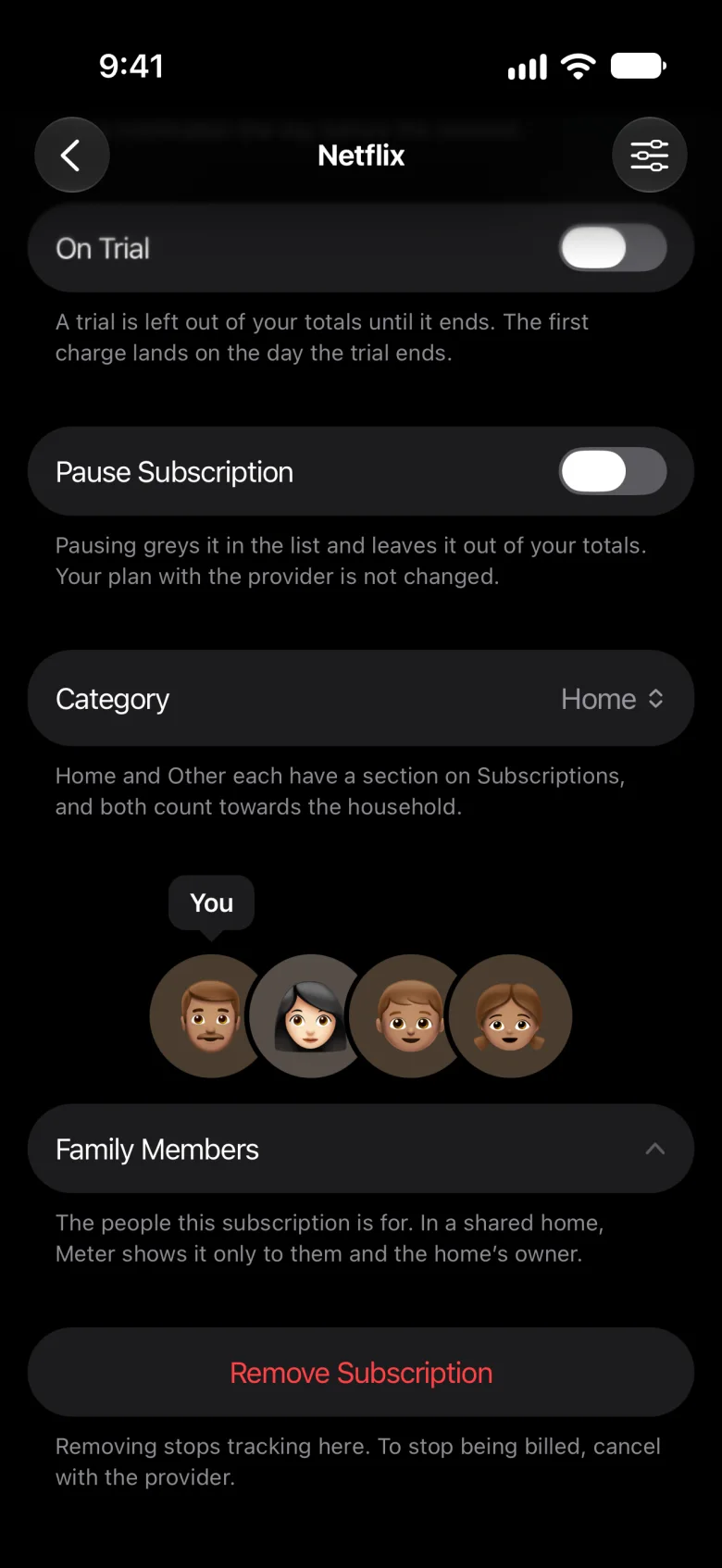
Open a bill, subscription or item, tap Family Members, and tick who it’s for.
- Each person sees only what’s theirs
- You see everything in a home you share
- Only you change the home’s address and family
Meter hides the rest from each person, but everyone in a shared home receives all of it. The privacy policy has the details.
Bills
Every bill a home has.
Every home starts with the bills most homes have: Rent, Mortgage, Property tax, Home insurance, Electricity, Gas, Water, Internet, Car and Car insurance. Each one waits to be filled in.
- Fill in who it’s paid to, what it comes to, how often and when it’s next due
- Pause the ones that don’t apply, and add any other by its name
- A reminder the day before each one is due, at 9 a.m.
A bill with nothing filled in counts for nothing. For how Meter keeps bills that repeat, see the recurring bill tracker.
Homes
More than one home.
Keep a home for each place you look after, like a cottage or your parents’ place, and switch between them: tap the house at the top left of Home. Each keeps its own bills, subscriptions and things.
Privacy
Private to your household.
What you add is kept on your iPhone and in your iCloud, and with the people you share a home with. Nothing is sent to us.
- No account
- Meter has no account and no server.
- No bank
- It never connects to one.
- In your iCloud
- Your homes are the same on every iPhone you sign in to.
- Encrypted
- What’s in each home is encrypted with your iCloud keys.
The privacy policy has the details.
A personal tracker, or a household one
Both keep a list of what you pay for. The difference is whose list it is.
| Question | Meter | A personal tracker |
|---|---|---|
| Built around | A home: its address, the people who live there, and what it pays for | Usually one person, and what they pay for |
| Shared bills, like rent and internet | Kept once, in the home; tick who each one is for | Usually on one person’s list, or added again by each person |
| Who sees what | Each person sees what’s theirs; you see everything in a home you share | Usually just the person whose account it is |
| How others join | You invite them by Messages or Mail, and they join on their own iPhone | Often not at all, or by sharing one account |
Personal trackers differ, so this is how they usually work, not how any one app does.
What Meter doesn’t do
Sharing a home needs iCloud, and everyone who joins needs an iPhone with Meter: it isn’t on Android or the web. Meter doesn’t split costs or keep track of who owes whom, and it doesn’t pay bills or track payments; a due date simply moves on to the next one.
It’s manual, too. Meter never connects to a bank, so it can’t find charges for you, and it never cancels anything for you. It’s for households in the US and Canada.
Here’s more on keeping track without a bank.
Questions
Can my partner and I share bills in Meter?
Yes. Tap the gear on Home, then Family Members, and add them. Then open them, tap Invite, and send the link by Messages or Mail. Once they accept it on an iPhone with Meter, signed in to iCloud, tick them on the bills you share.
Does everyone need an iPhone?
Everyone who joins your home does: an iPhone with Meter, signed in to iCloud. Meter isn’t on Android or the web.
Who sees what in a shared home?
Only what’s theirs: open a bill, subscription or item, tap Family Members, and tick who it’s for. You see everything in a home you share, and only you change its address and family. Meter hides the rest from each person, but everyone in a shared home receives all of it; the privacy policy has the details.
Can I keep more than one home?
Yes. Tap the house at the top left of Home to switch homes or add one. Each keeps its own bills, subscriptions and things.
Does Meter split bills or track who owes what?
No. Meter keeps track of what your home pays for and who each bill is for, but it doesn’t split costs or work out who owes whom. It doesn’t pay bills or track payments either: a due date moves on to the next one by itself.
What happens if someone leaves?
The home goes from their iPhone, and coming back takes a new invitation. To stop sharing with someone, open them in Settings › Family Members and tap Stop Sharing. If someone shared a home with you, open Settings and tap Leave Home.
What does Meter cost?
Nothing during early access: every feature is free for beta testers, sharing a home included. Join the beta on TestFlight.
Does Meter work in Canada?
Yes. Meter is for households in the US and Canada, and since it never connects to a bank, it doesn’t matter which bank you use.
Meter for iPhone
Bring the whole household into one place.
Meter is a household bill tracker and a subscription tracker for iPhone: every bill, subscription and thing your home has, a reminder the day before each bill and renewal, and a home your family can share. Nothing you add is sent to us.
Free during early access, for iPhone in the US and Canada.