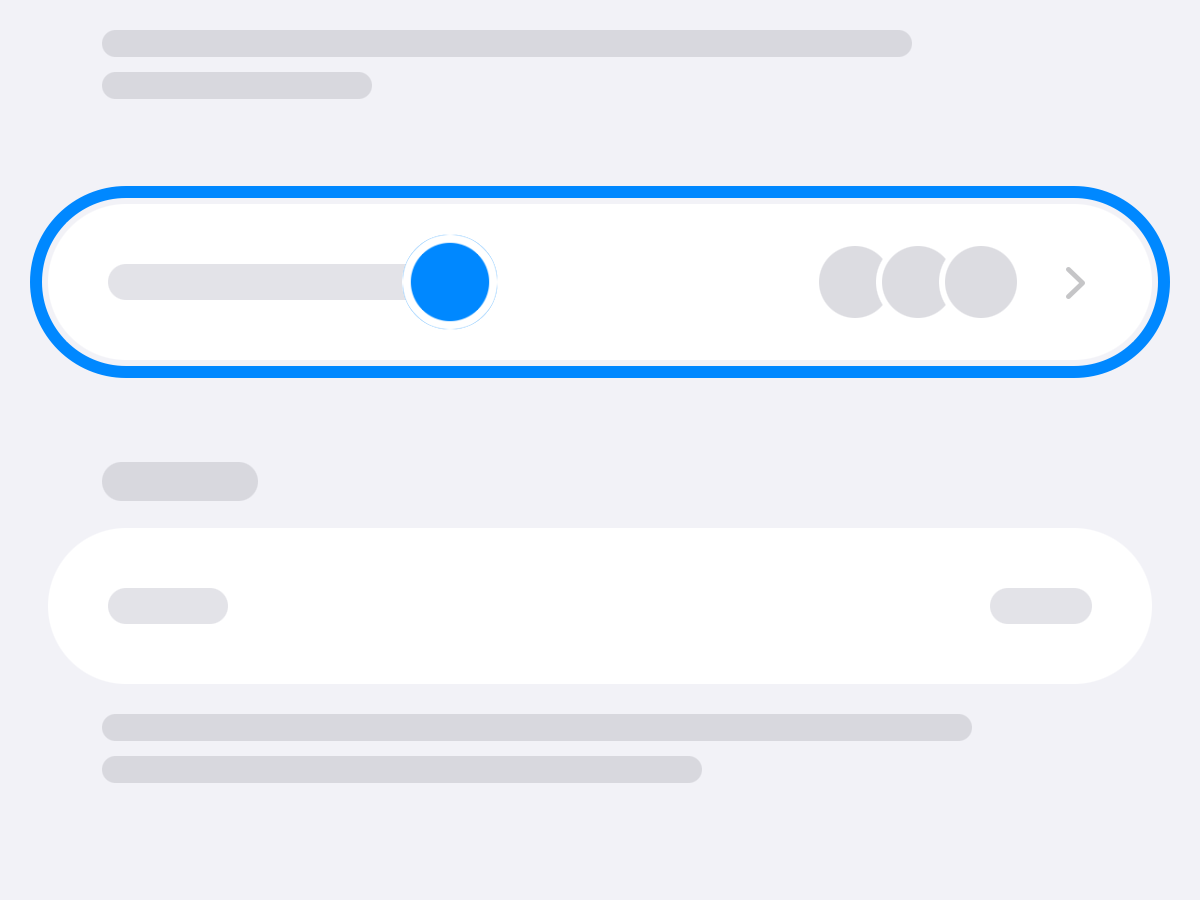
Family Members
Settings shows everyone in the home by their faces. Tap to change a face or a name, invite someone, or remove them.
Release Notes
The newest builds, newest first: what each one changed, with a picture of where to find it.
Version 1.0.0 (8)
Settings shows everyone in the home by their faces. Tap to change a face or a name, invite someone, or remove them.
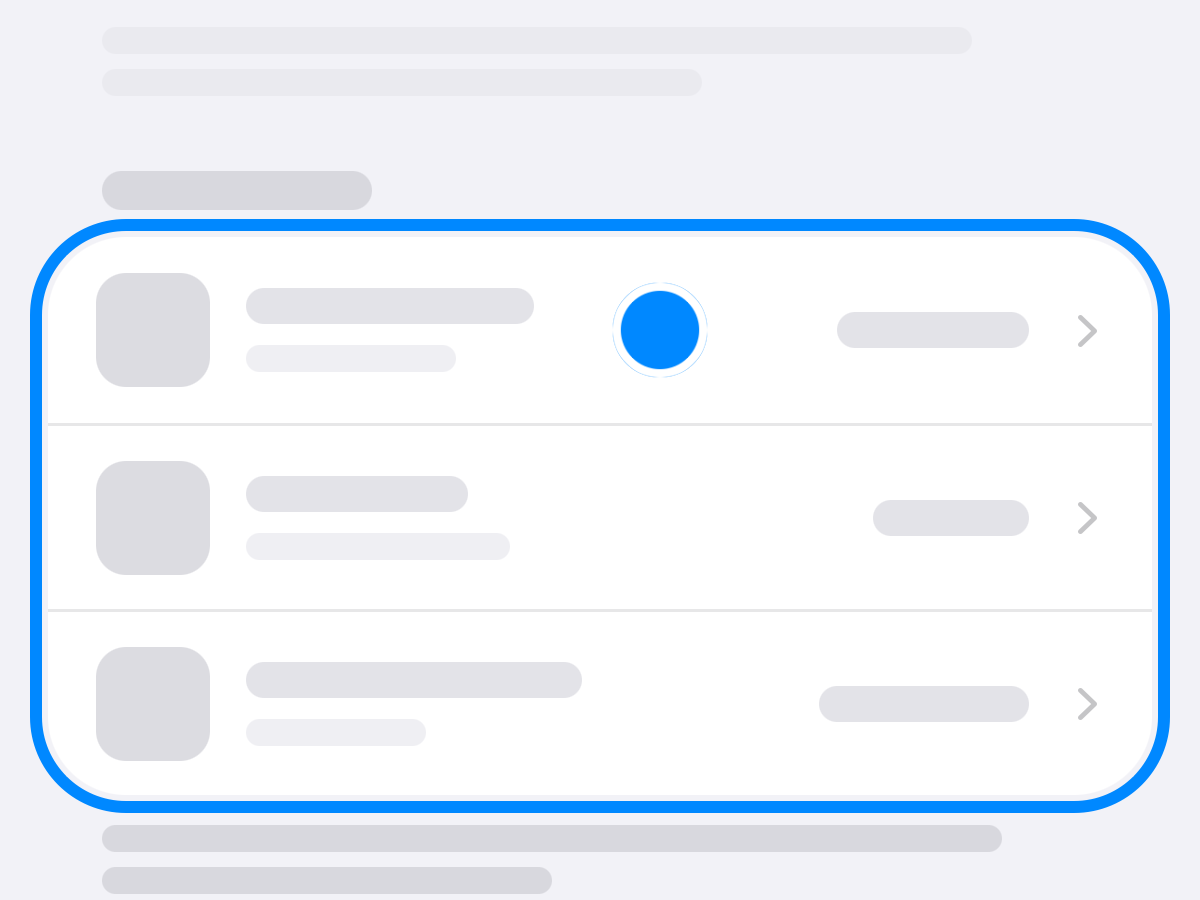
Upcoming now lists what’s due in the next three days, soonest first, and each reminder comes the day before, at 9 a.m.
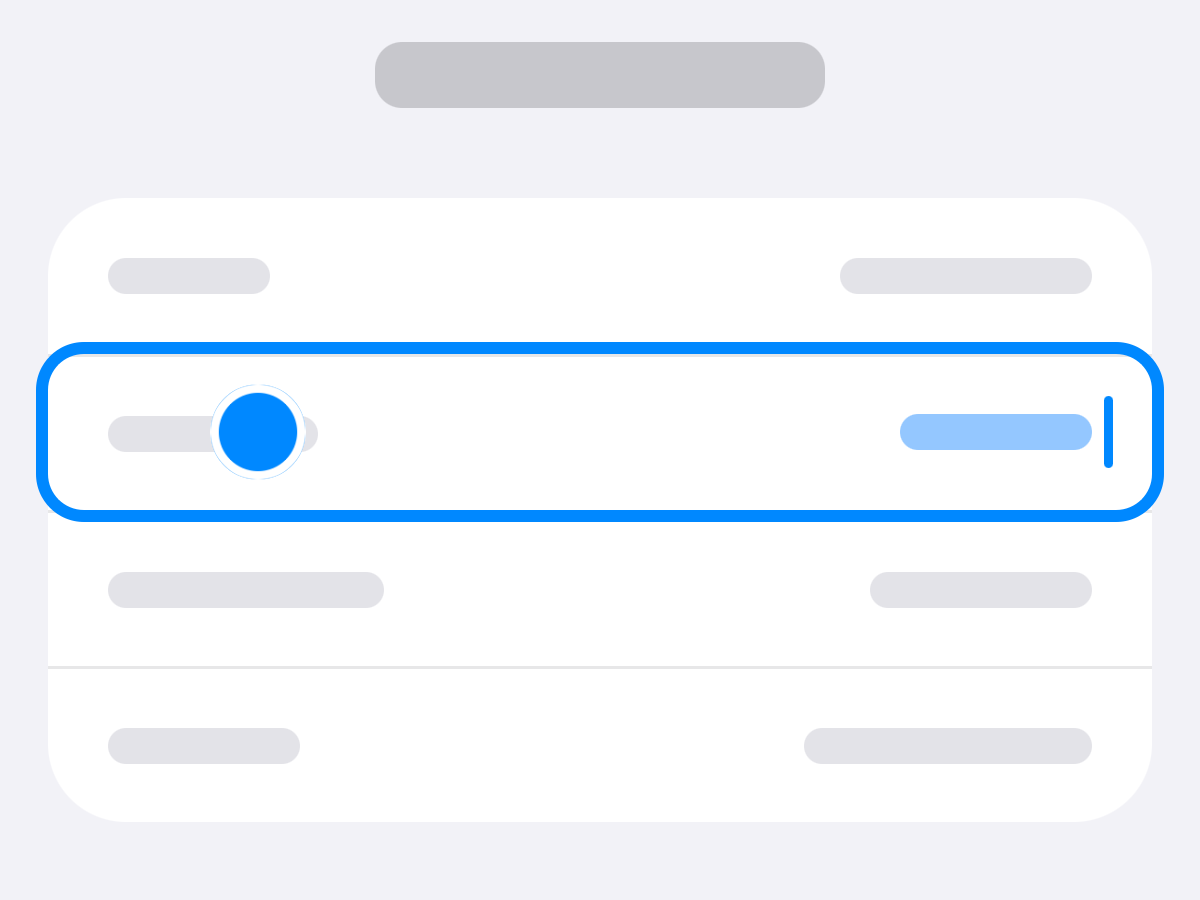
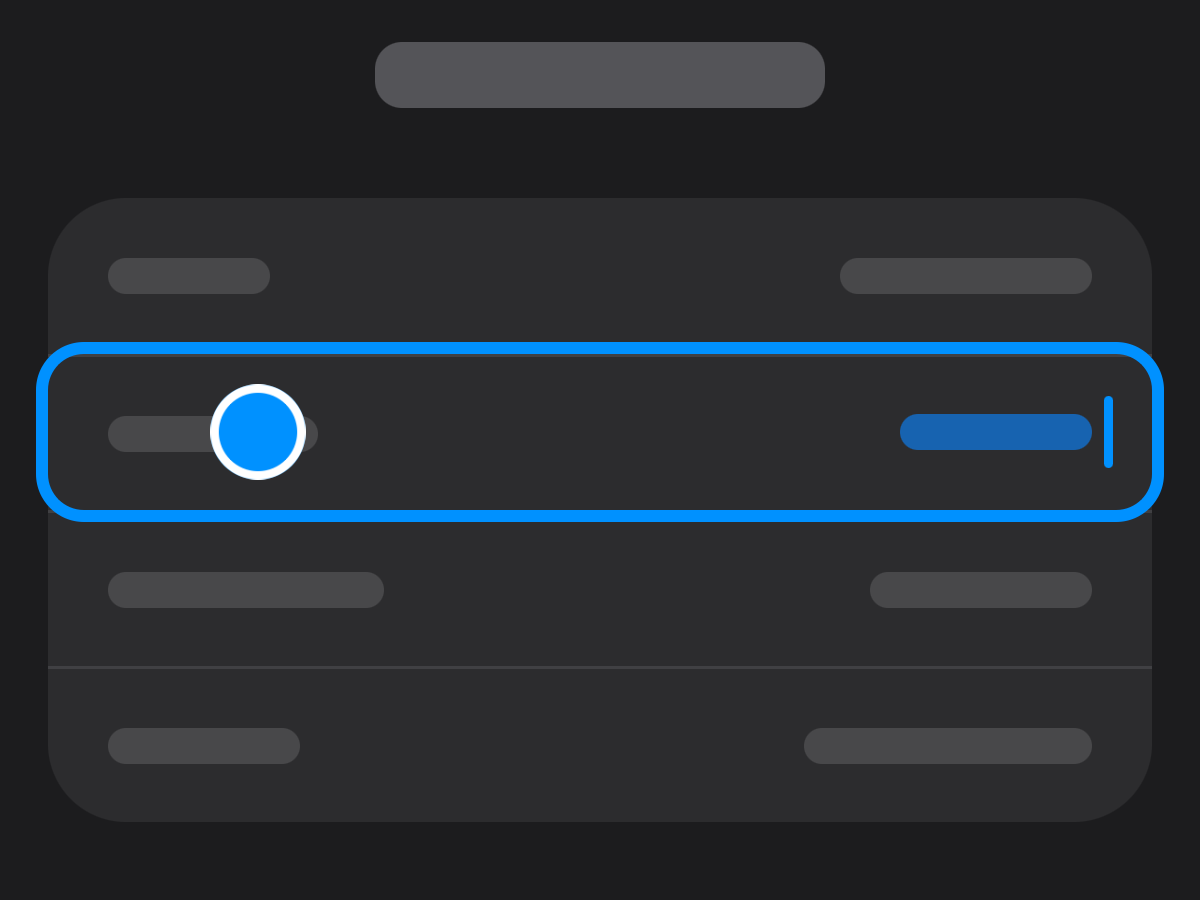
Subscriptions renew every 2 weeks, monthly, every 2 or 3 months, or yearly, as bills do, and each date follows its own schedule.
Also: About in Settings on one card, with these release notes a tap away.
Version 1.0.0 (7)

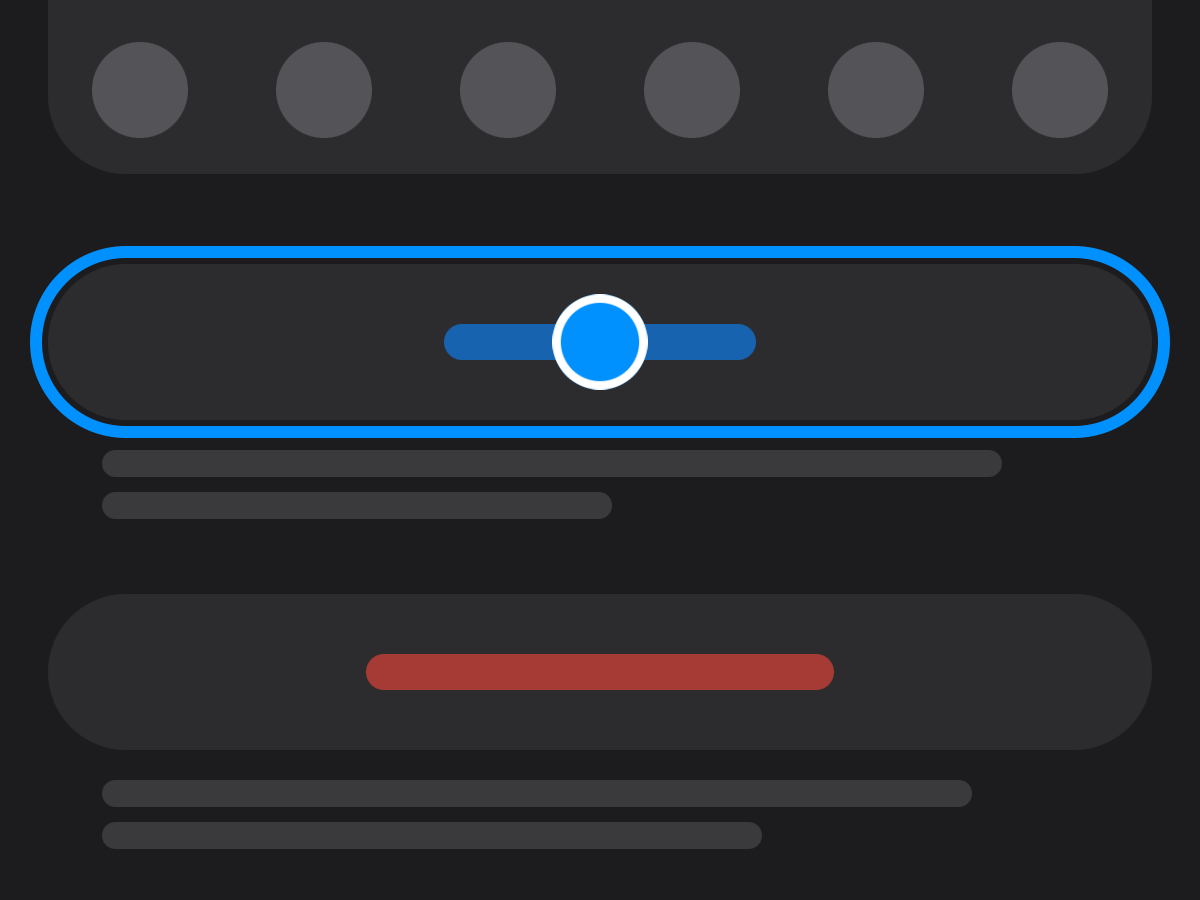
Invite your family with Messages or Mail. Each person sees what’s theirs.
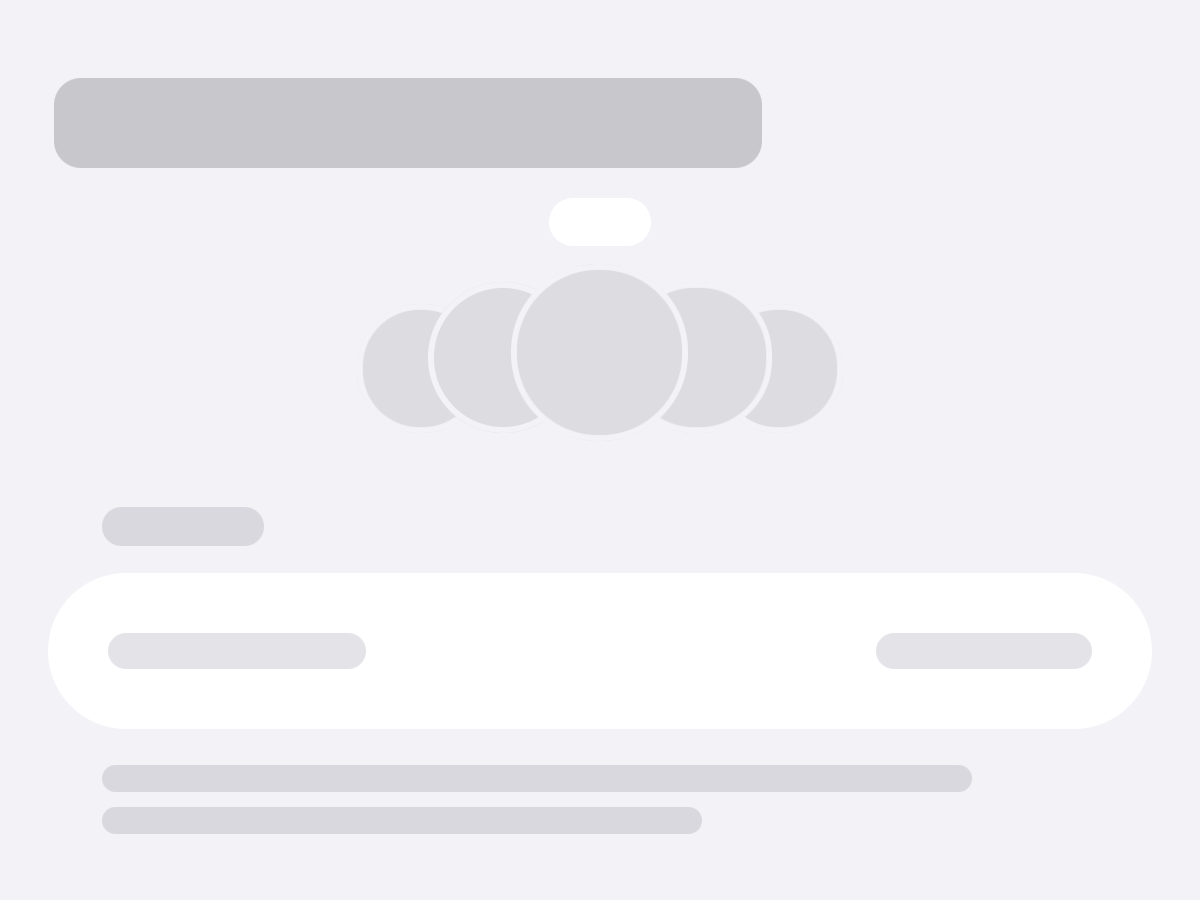
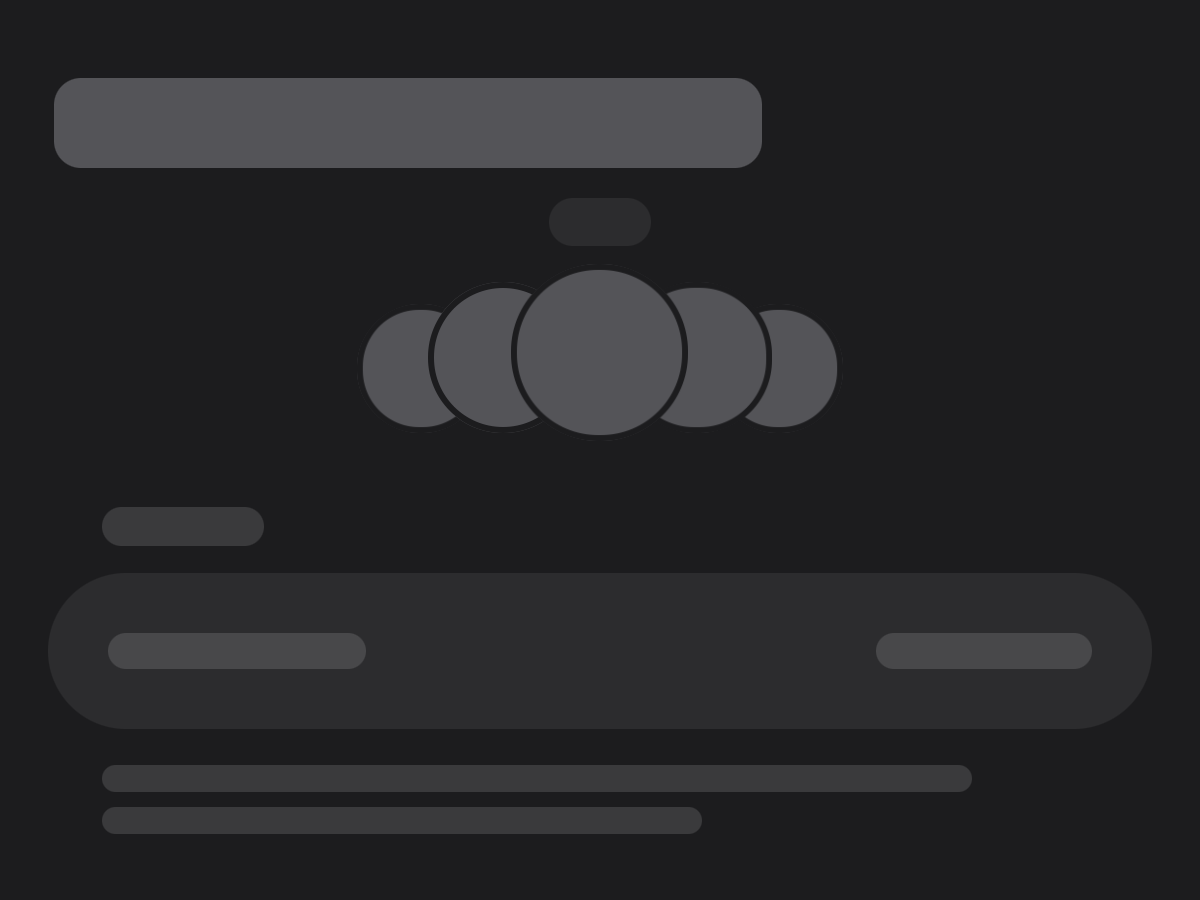
Everyone in the home fans out under its street, with you in the middle.
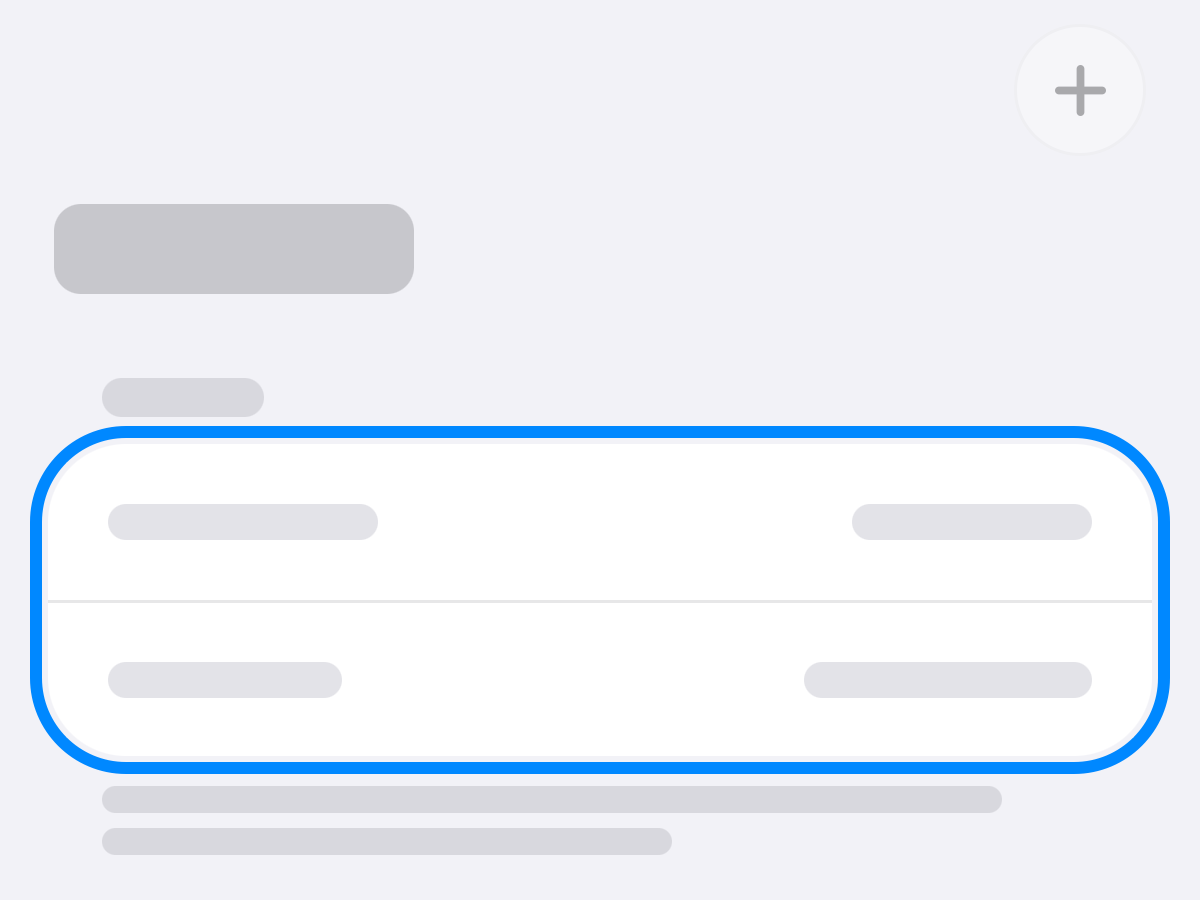
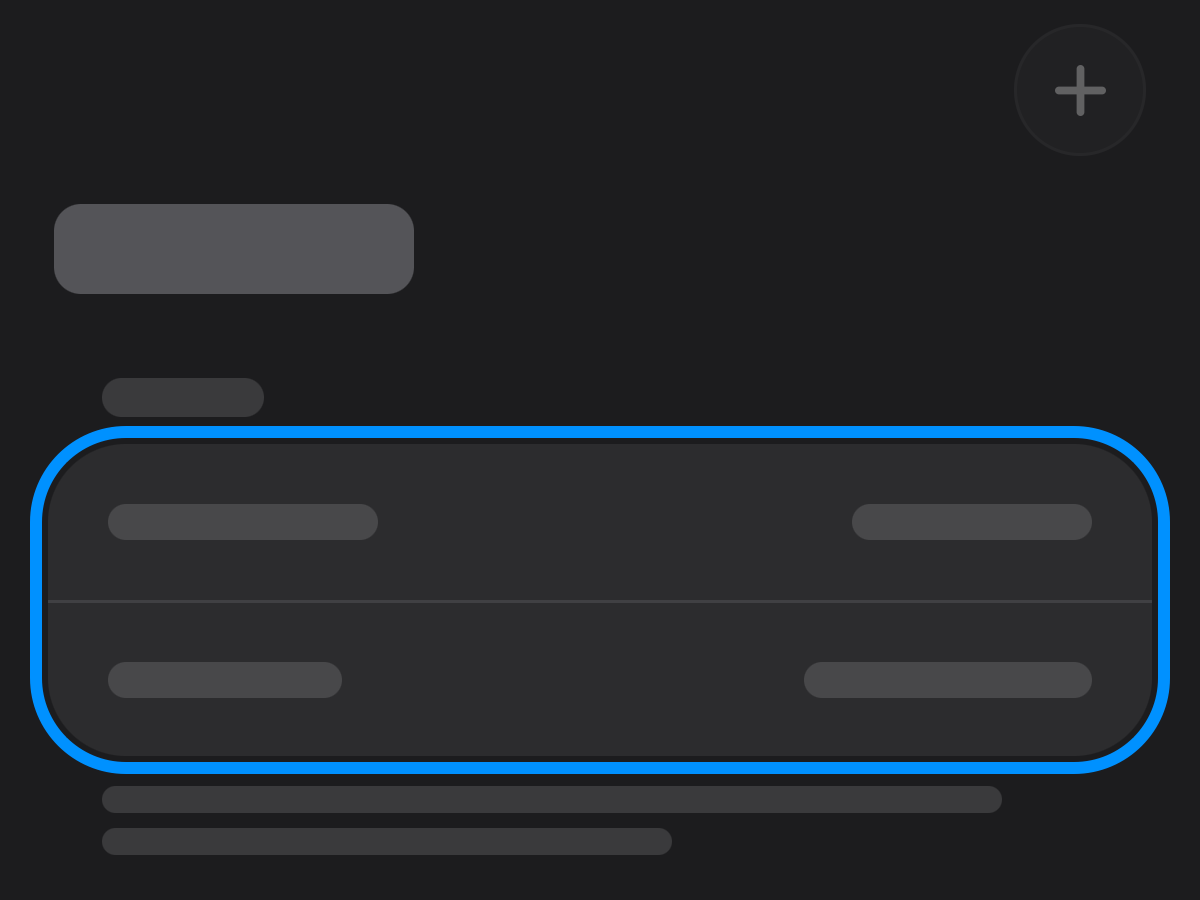
Household opens Bills, Subscriptions and Inventory. Bills shows what they come to, what’s due and every bill, with + to add one.
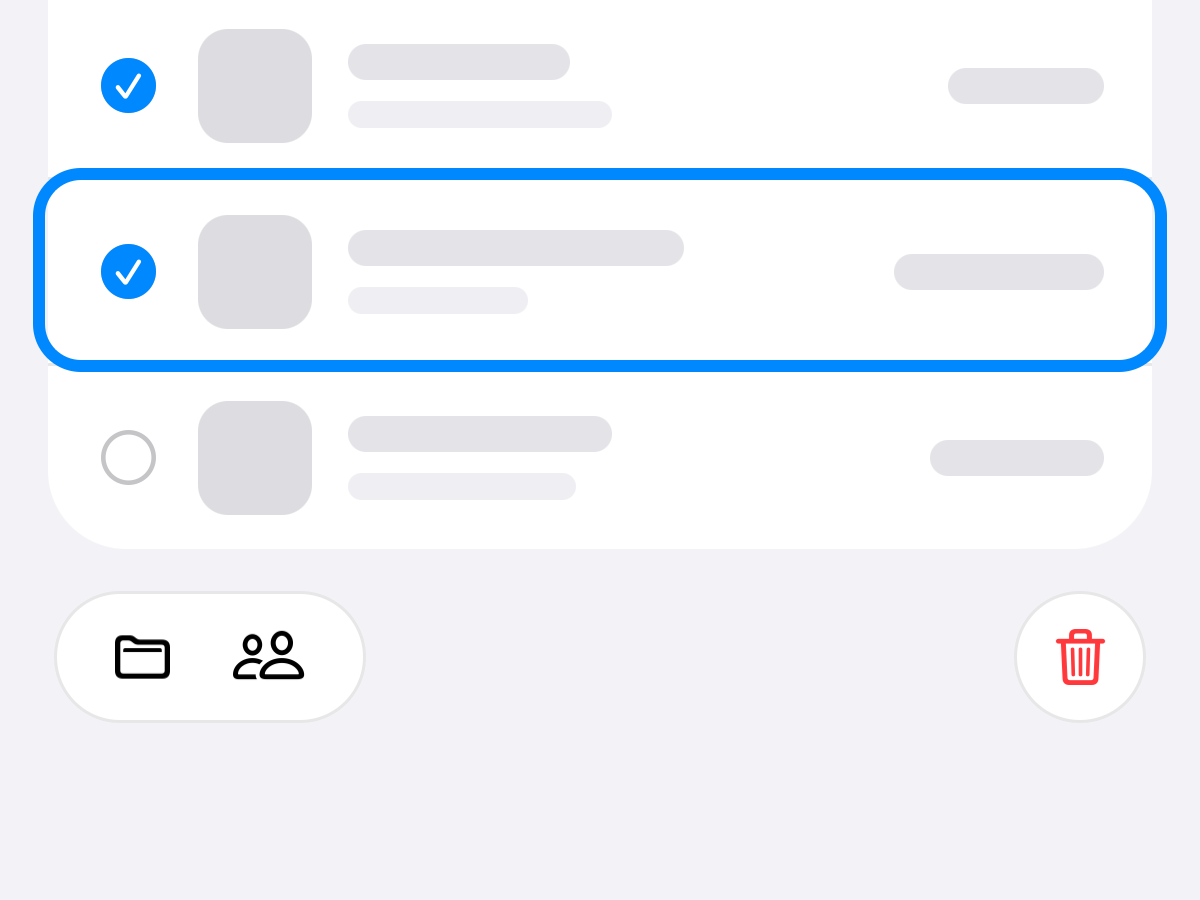
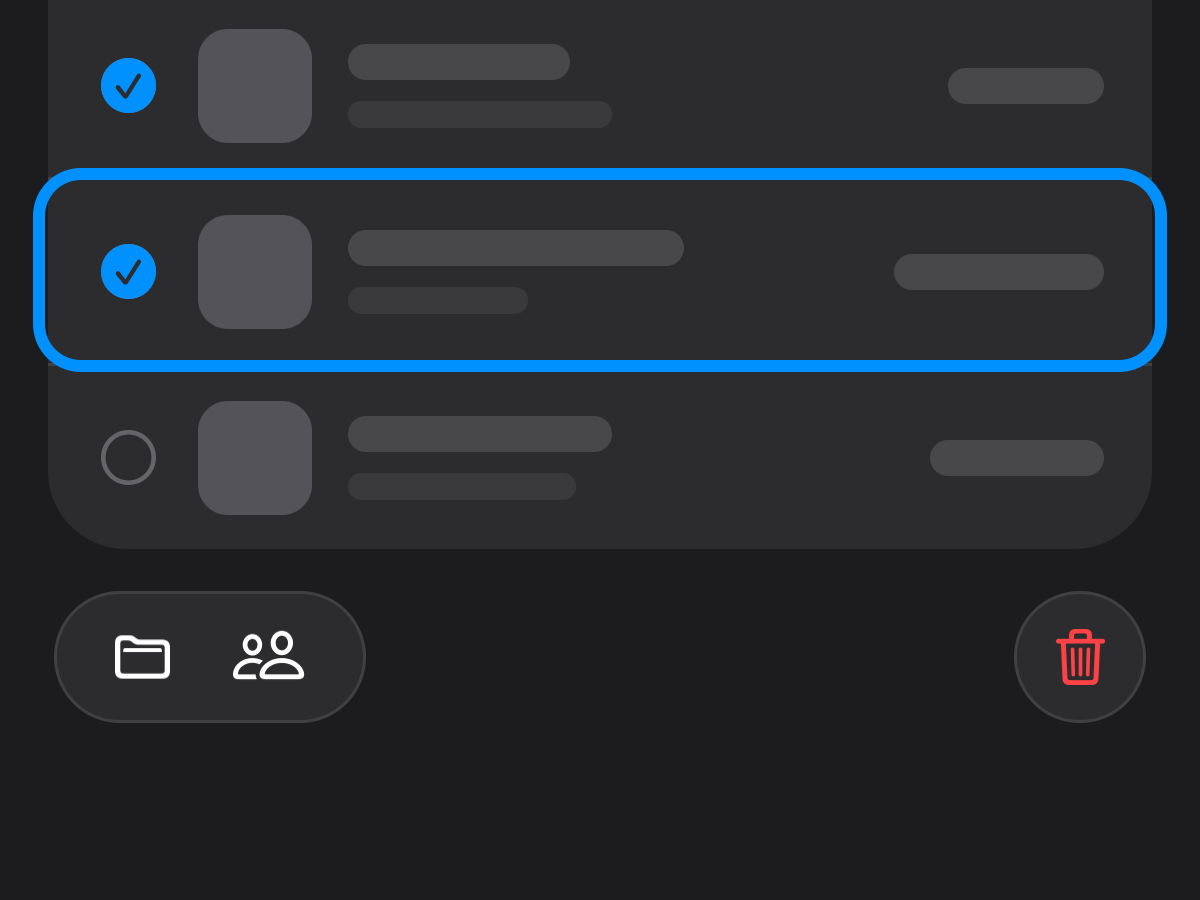
Select several bills, subscriptions or things, then move them to another home, give them to someone in the family, or delete them.
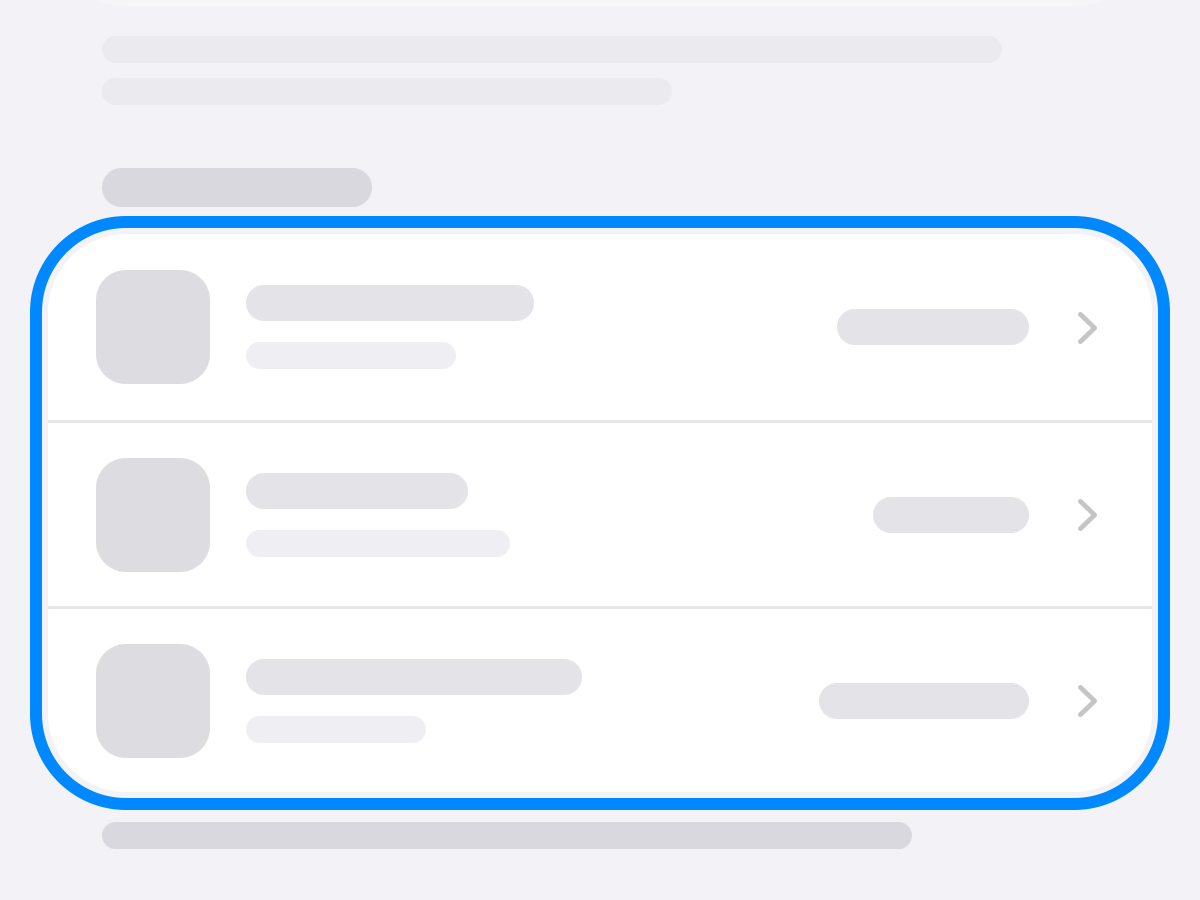
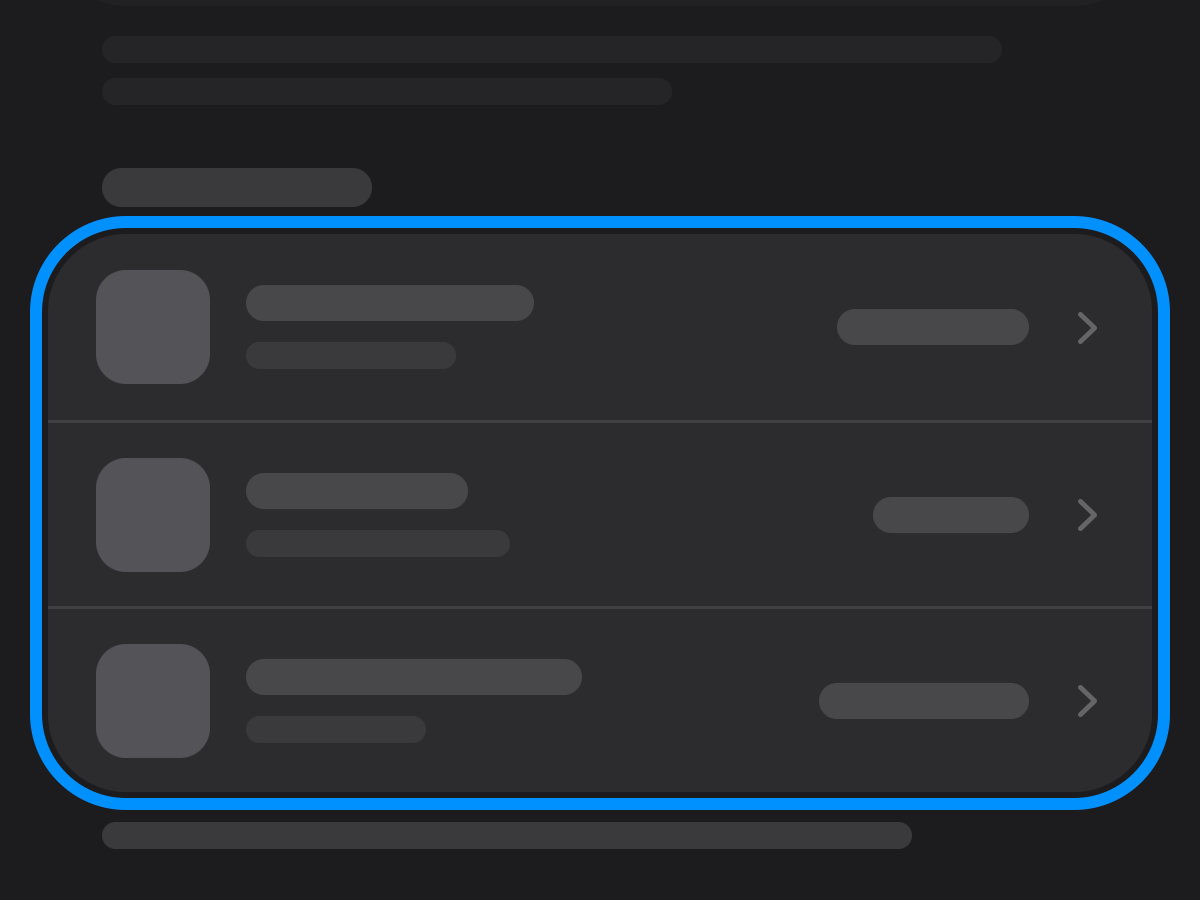
Lists show each bill’s and subscription’s monthly share, and Upcoming shows the charge that’s due.
Also: your homes are kept in your iCloud, the same on every iPhone you sign in to. Home lists what’s due next across bills and subscriptions, Meter welcomes you when it first opens, Settings shows iCloud’s status, and How to Use Meter comes in chapters, with new guides.
Version 1.0.0 (6)
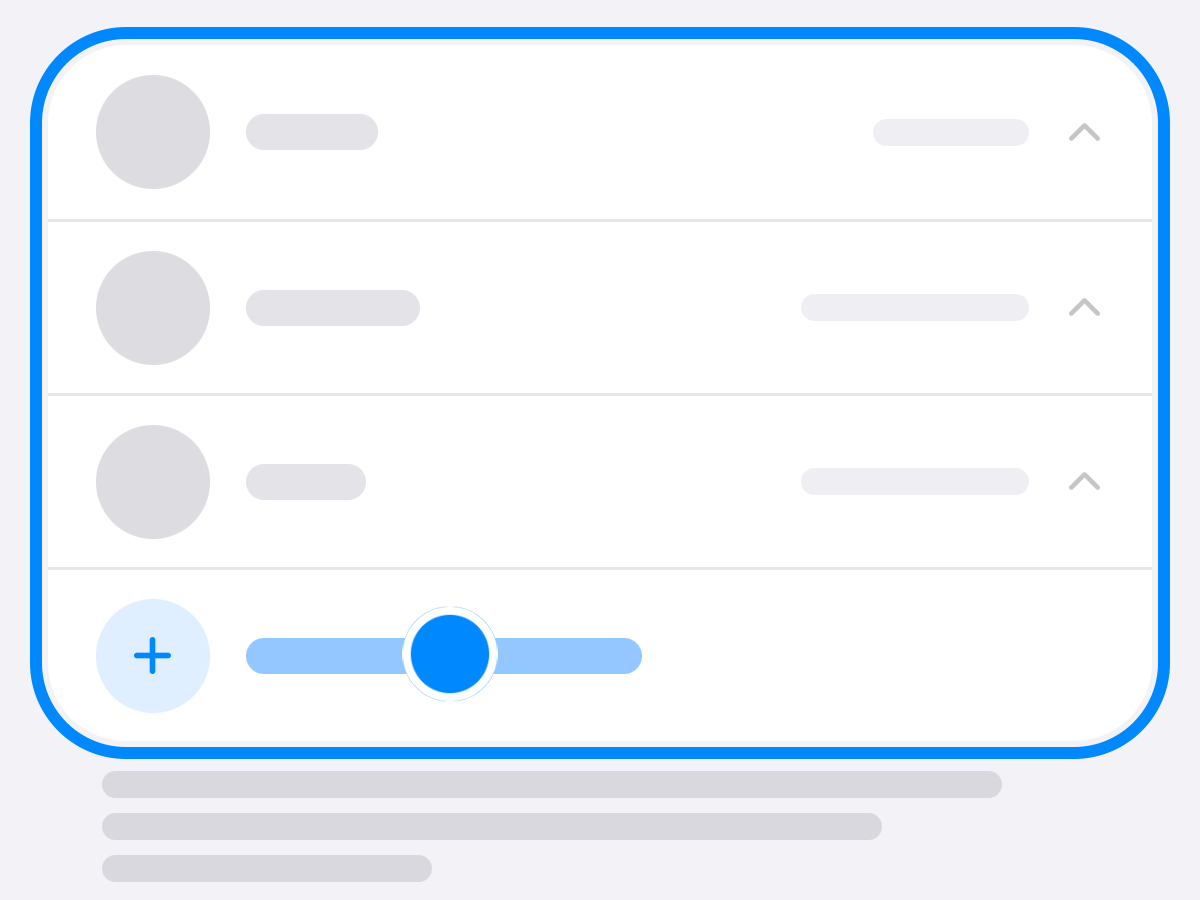
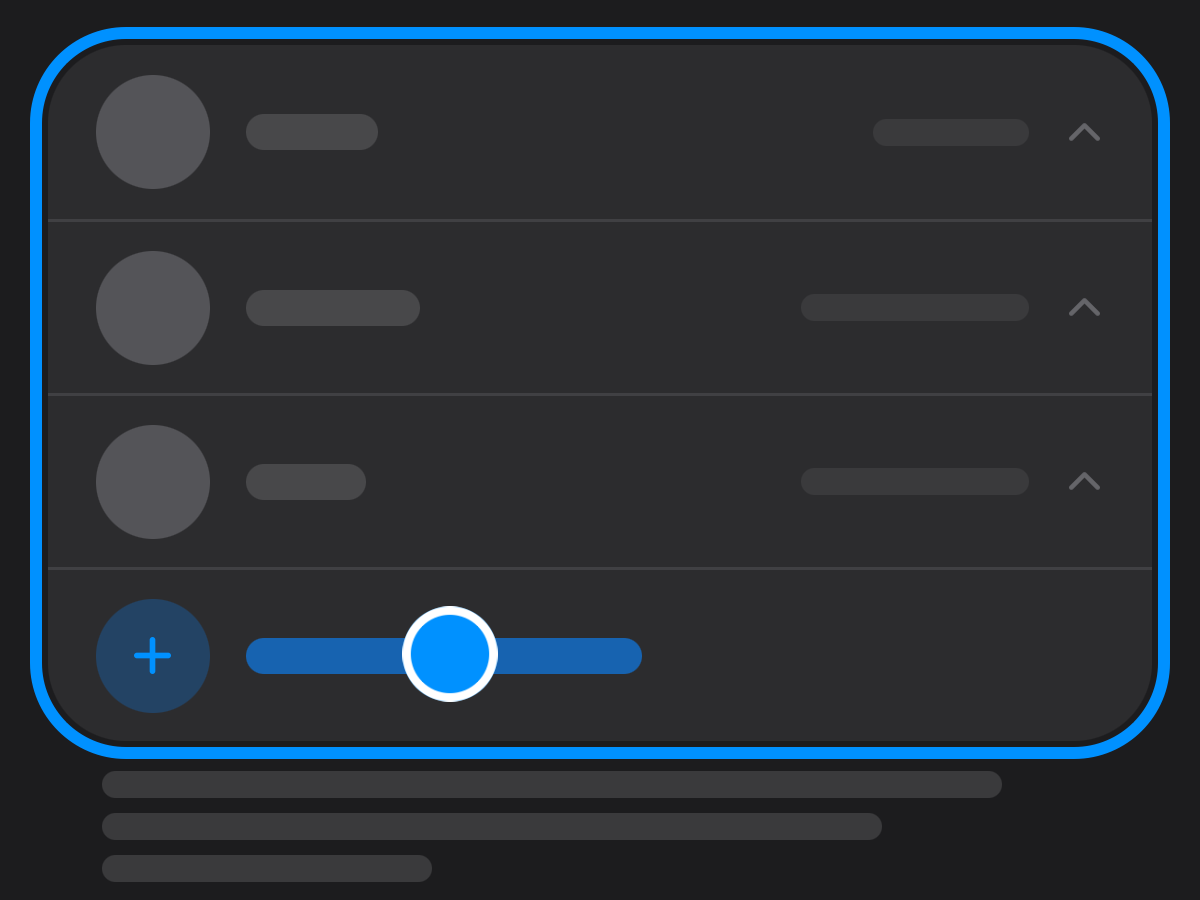
Add the people in your home in Settings, each with a face and a name, and give each bill, subscription and thing to someone. Their face sits on its tile.
Also: the privacy policy, under About in Settings.
Version 1.0.0 (5)
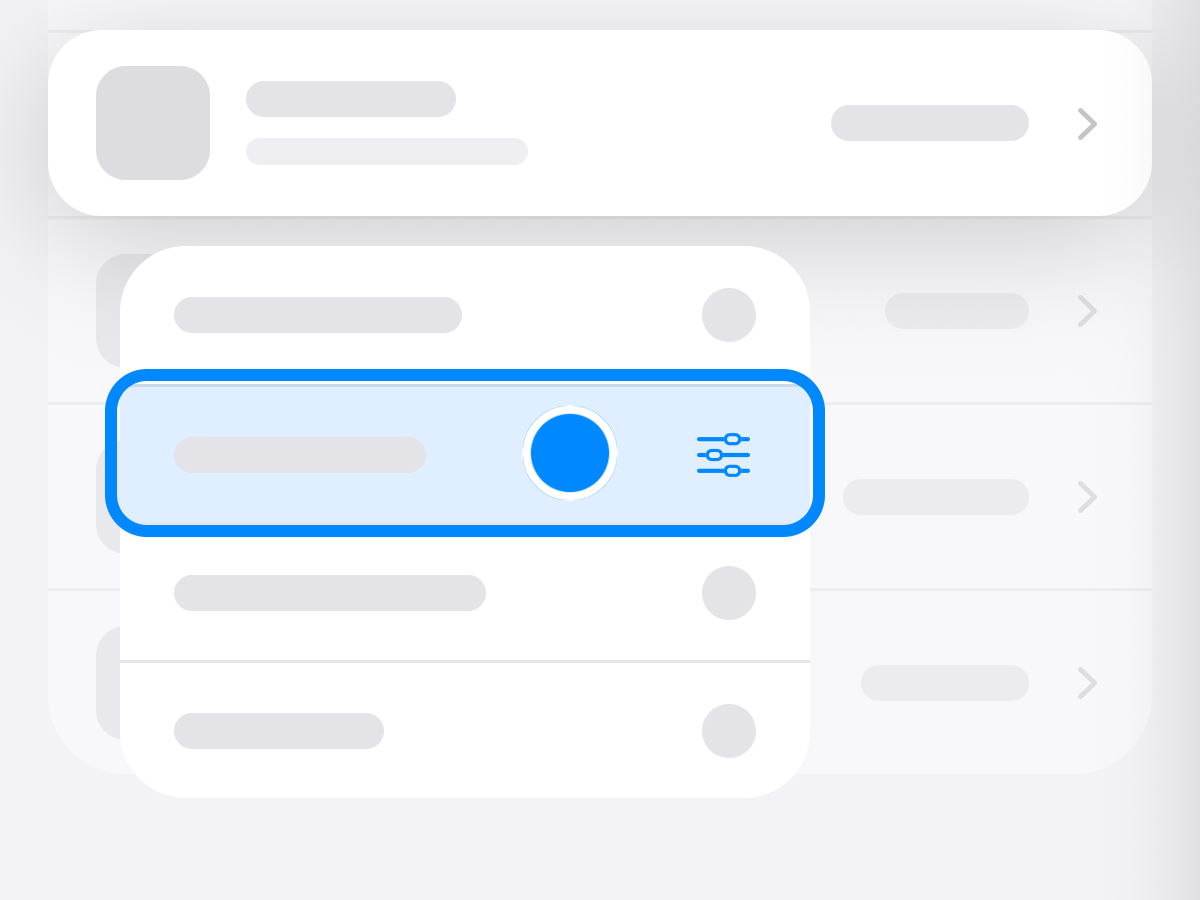
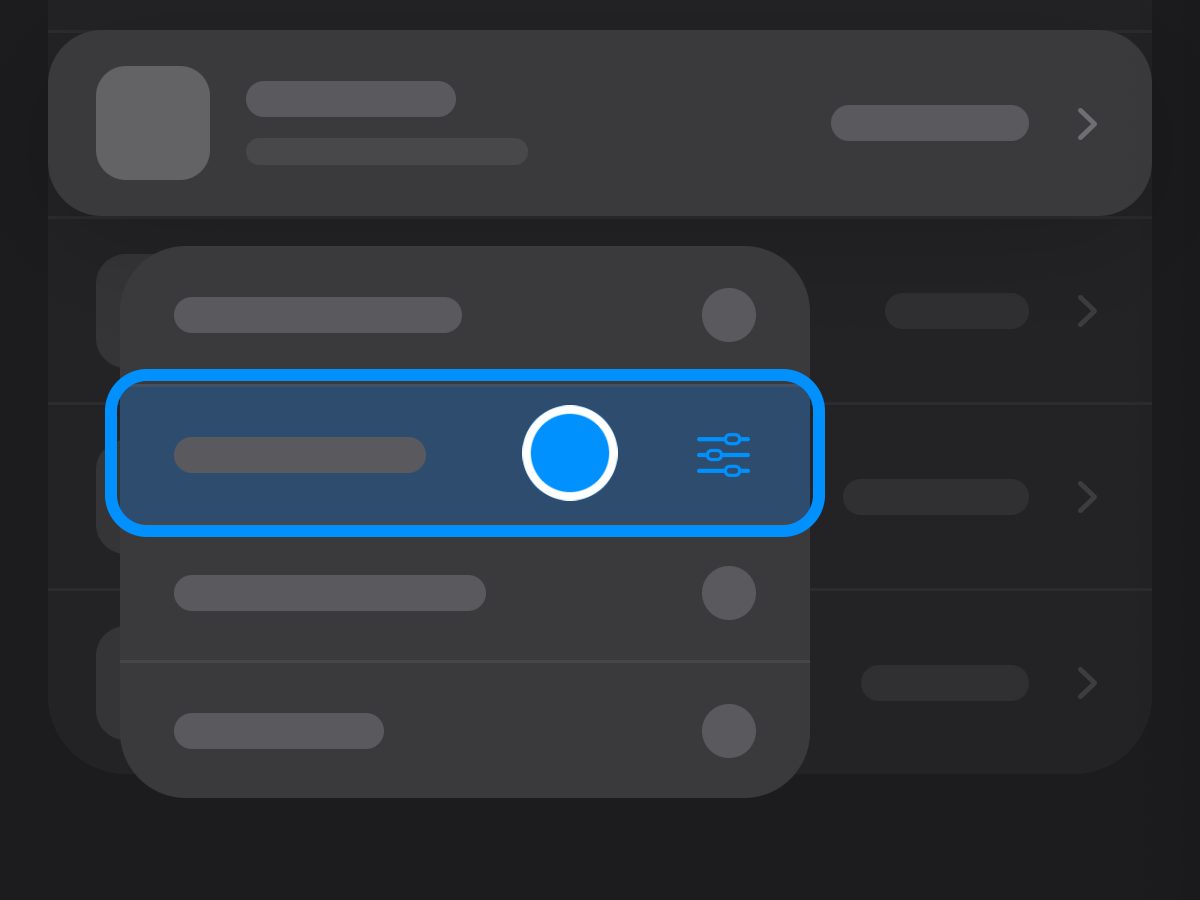
Touch and hold anything and choose Edit. Its own screen becomes the form.
Tap + to add a bill, subscription or thing on the same form.
Share a Safari page, a picture or a PDF, and Apple Intelligence reads it on your iPhone.
Also: Magic Edit and receipt scanning are retired; Edit and sharing into Meter do their work now.