A subscription tracker
for iPhone.
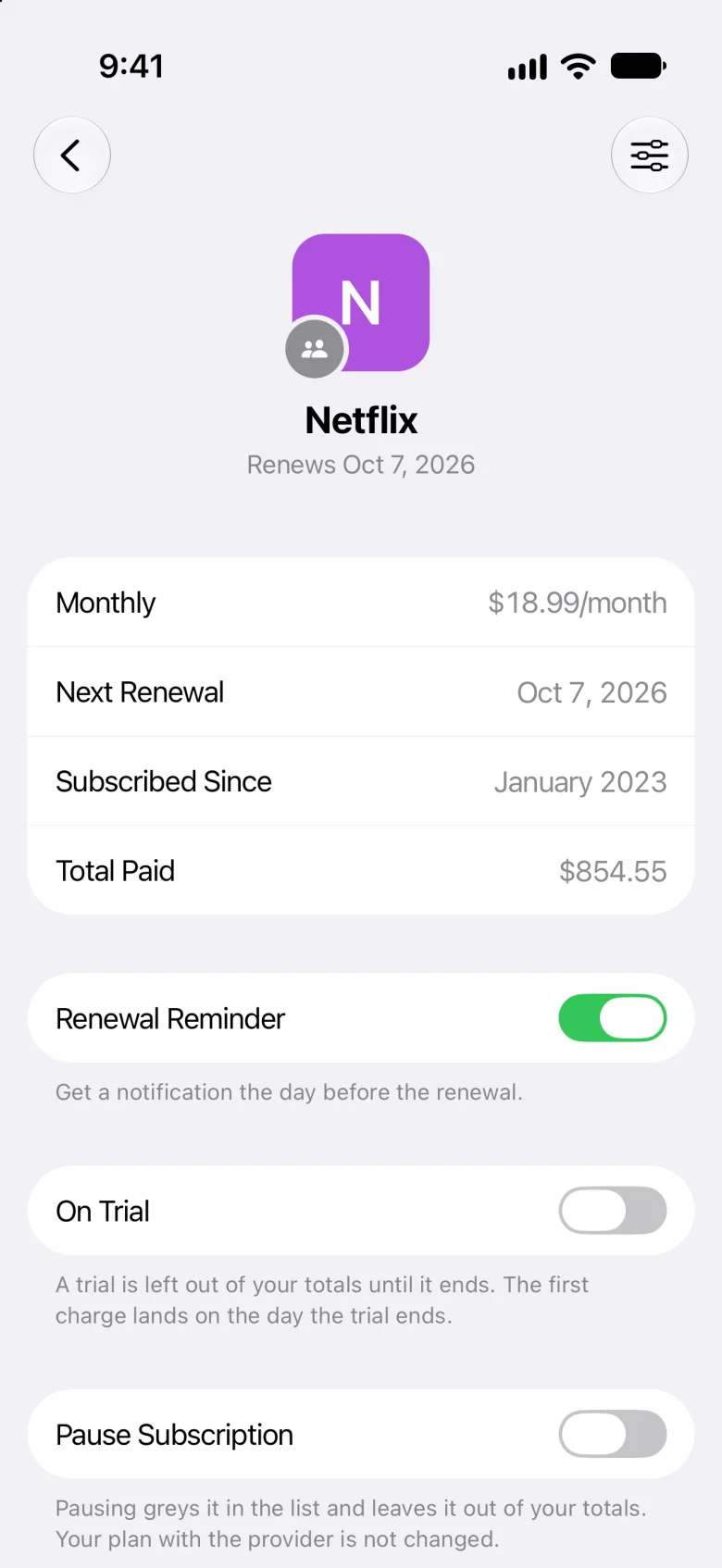
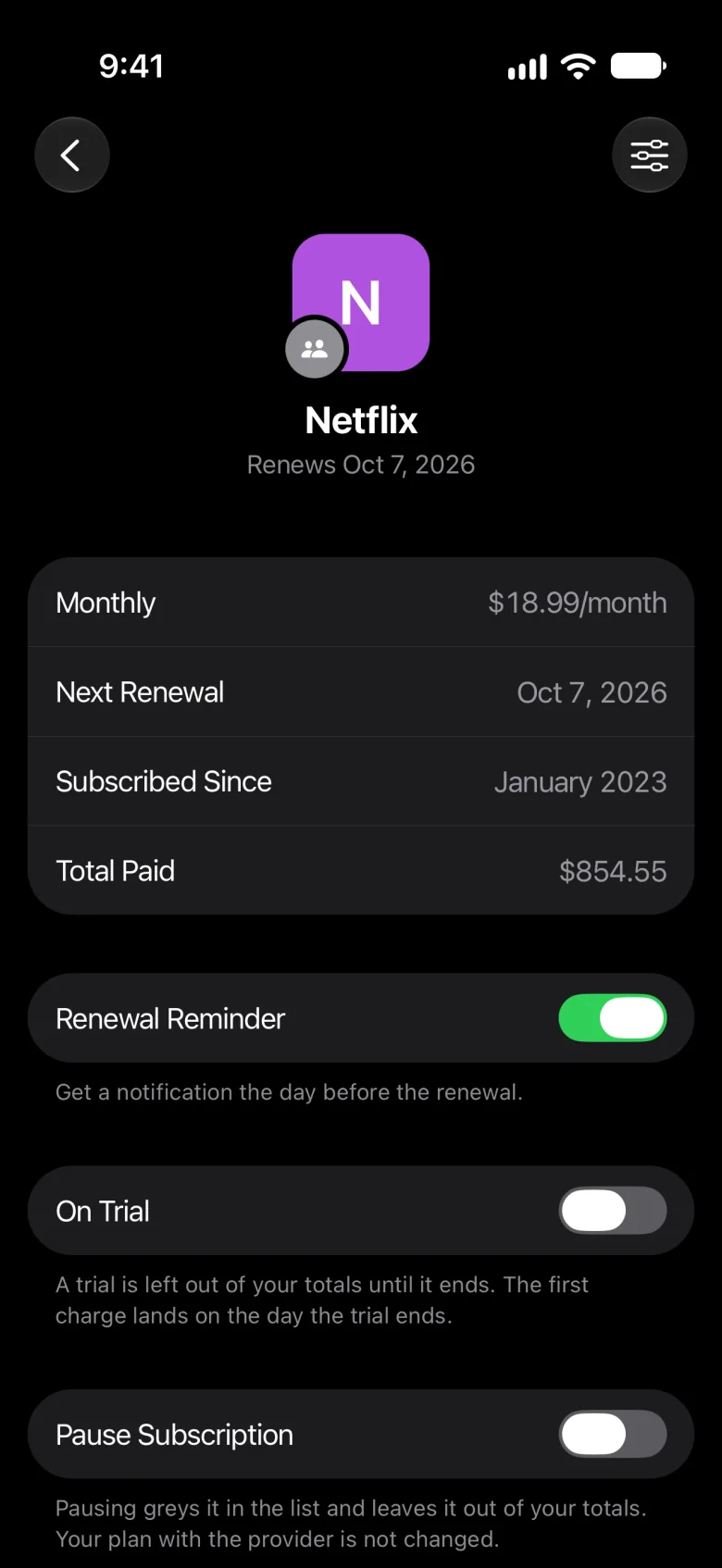
Meter keeps every subscription in one place, shows what they cost a month and a year, and reminds you the day before each one renews.
Manual tracking
You add them. Meter keeps track.
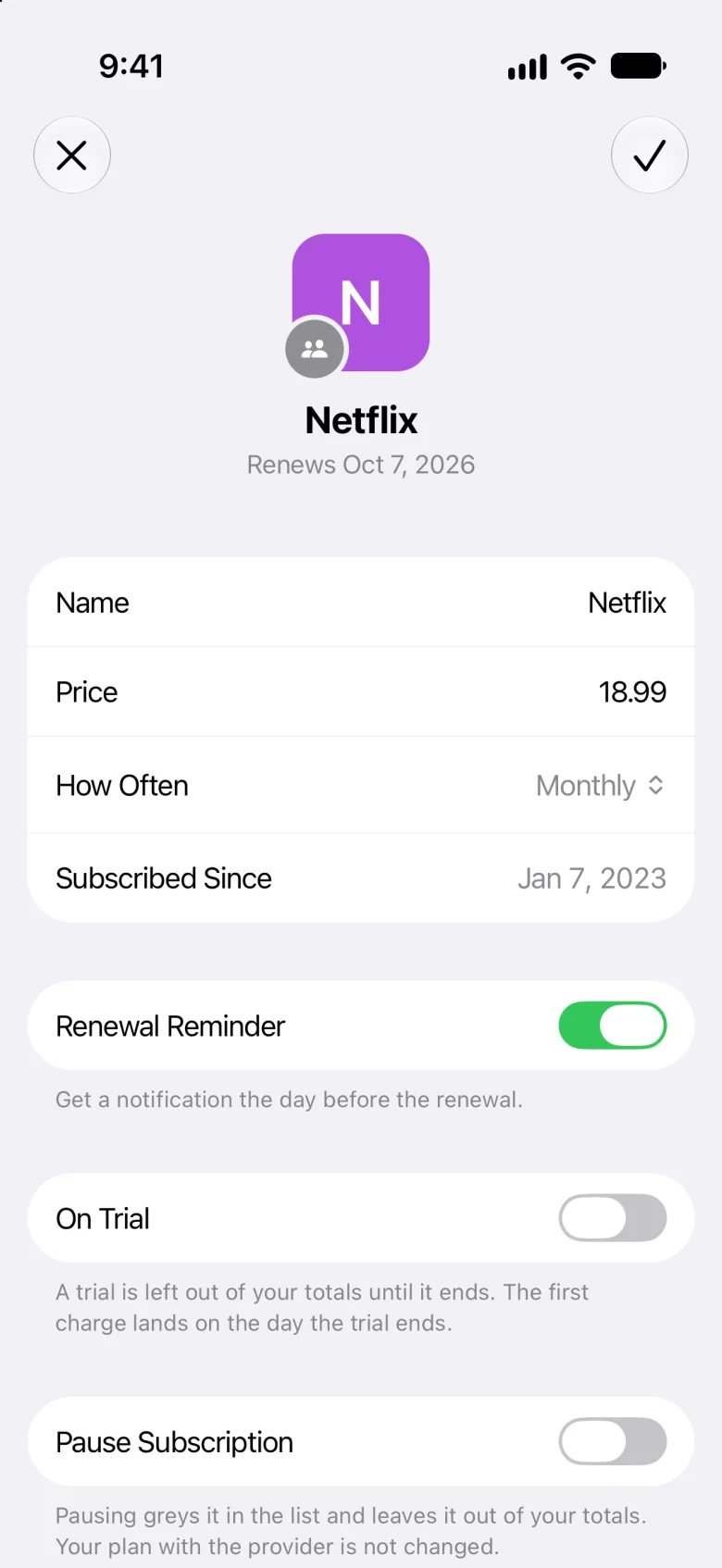
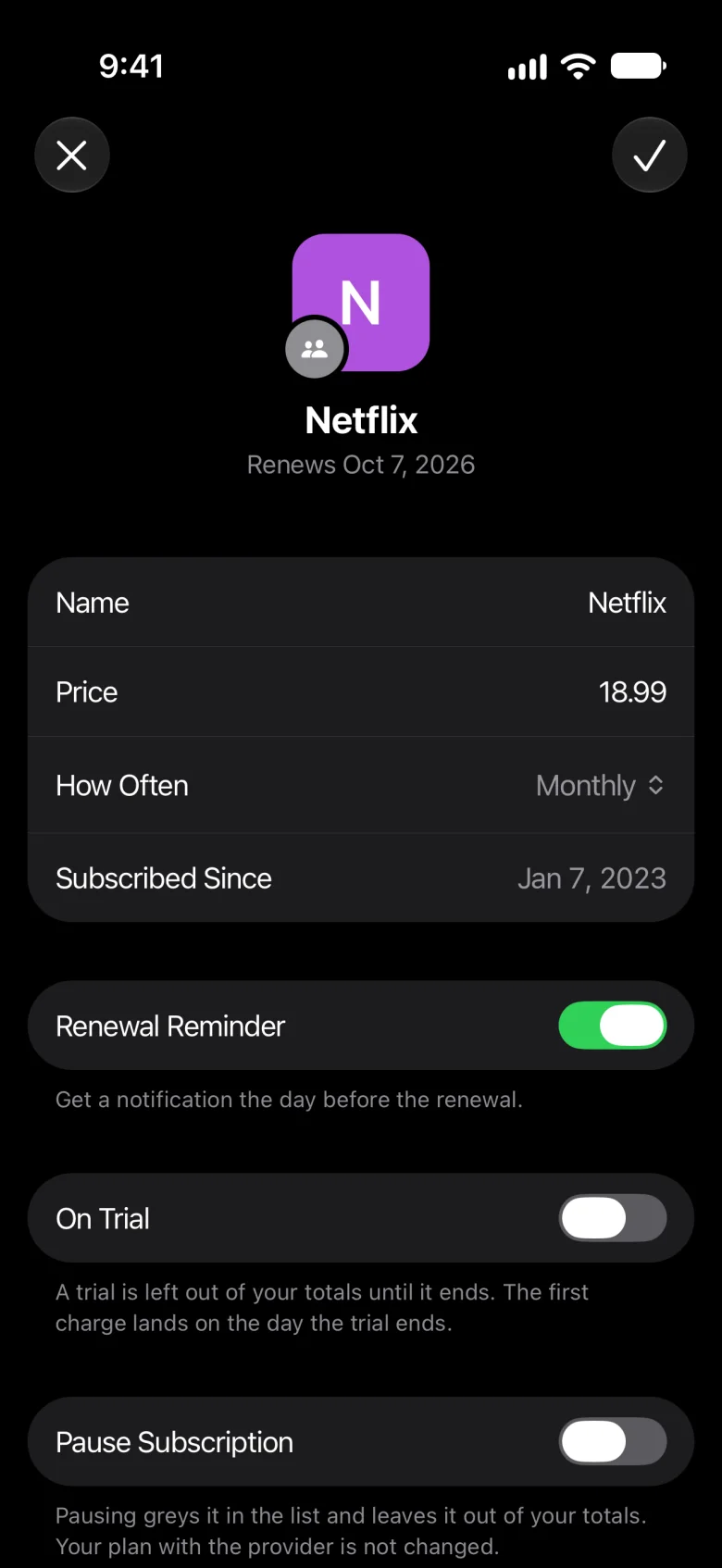
Tap + and fill in the name, the price, how often it renews and when it started. Meter works out every renewal from there.
- Every 2 weeks, monthly, every 2 or 3 months, or yearly
- Or share a receipt, a PDF or a Safari page, and Apple Intelligence reads it on your iPhone
- Nothing is added until you tap ✓
Sharing into Meter needs Apple Intelligence, on iPhone 15 Pro or later.
Renewals
Know what renews, before it does.
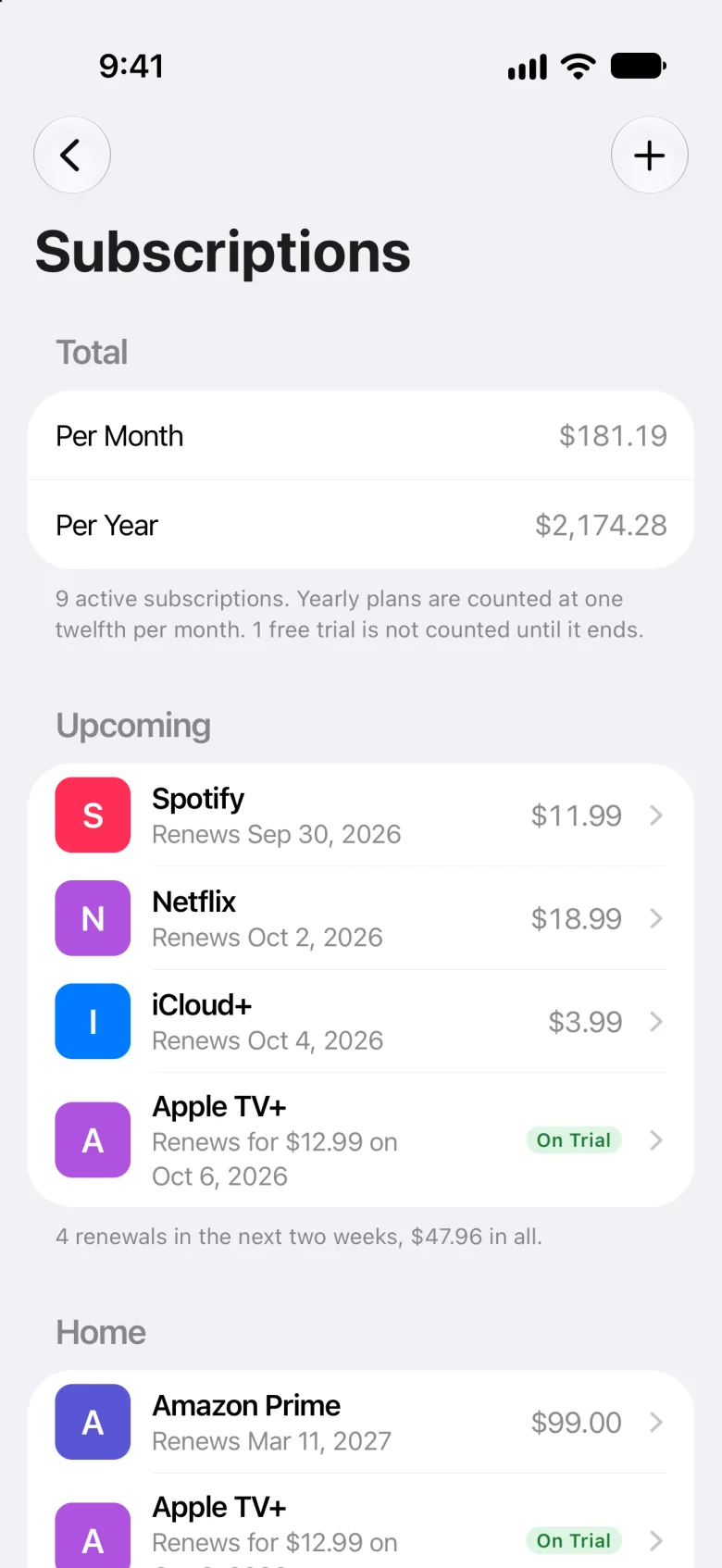
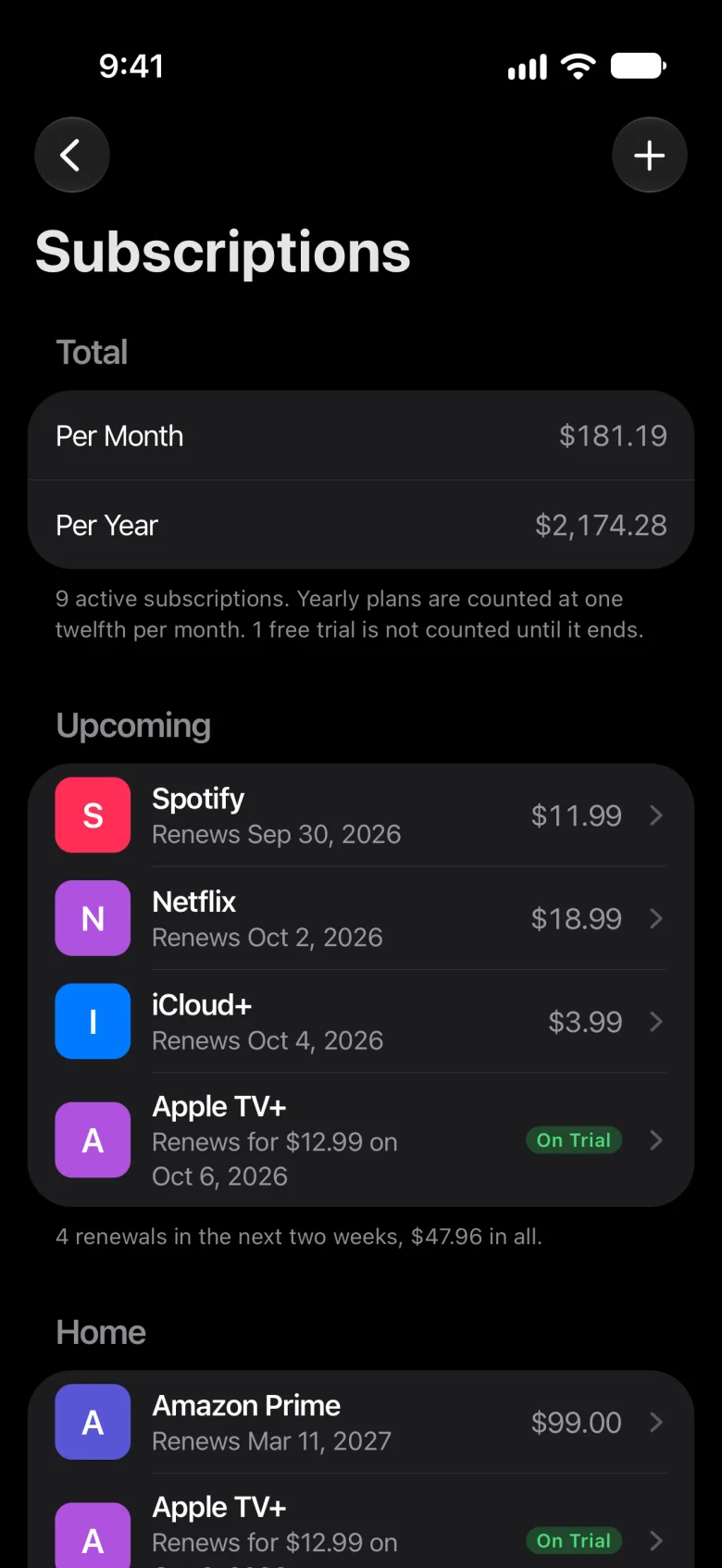
Meter adds up what your subscriptions cost per month and per year. What doesn’t renew monthly is counted at its monthly share.
- Upcoming shows what renews in the next three days
- A reminder the day before, at 9 a.m., with a switch for each one
- Free trials aren’t counted until they turn paid
Want the total first? Try the subscription cost calculator. Keeping bills too? See the recurring bill tracker.
Family
Share your home with your family.
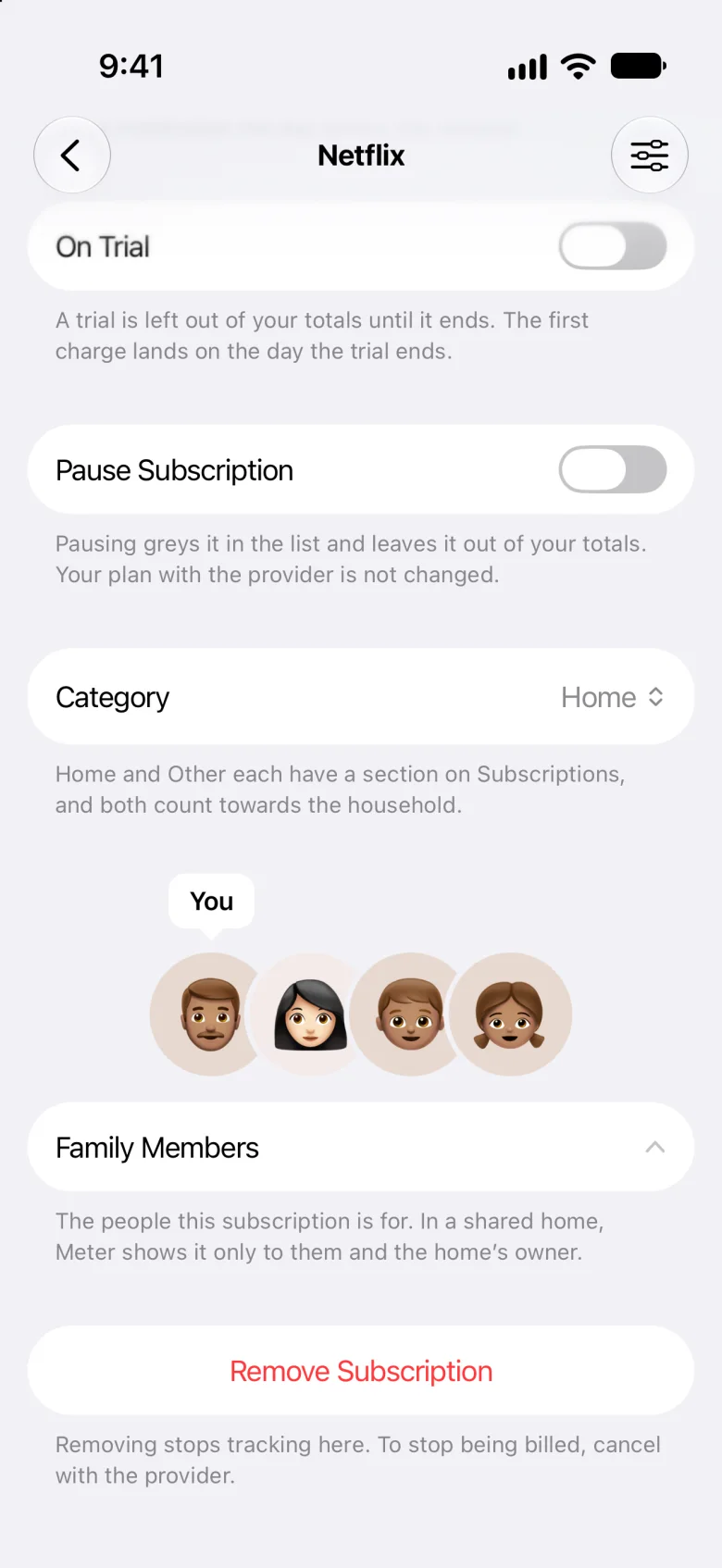
Invite your family with Messages or Mail, and they join on their own iPhone. Your home is shared through iCloud.
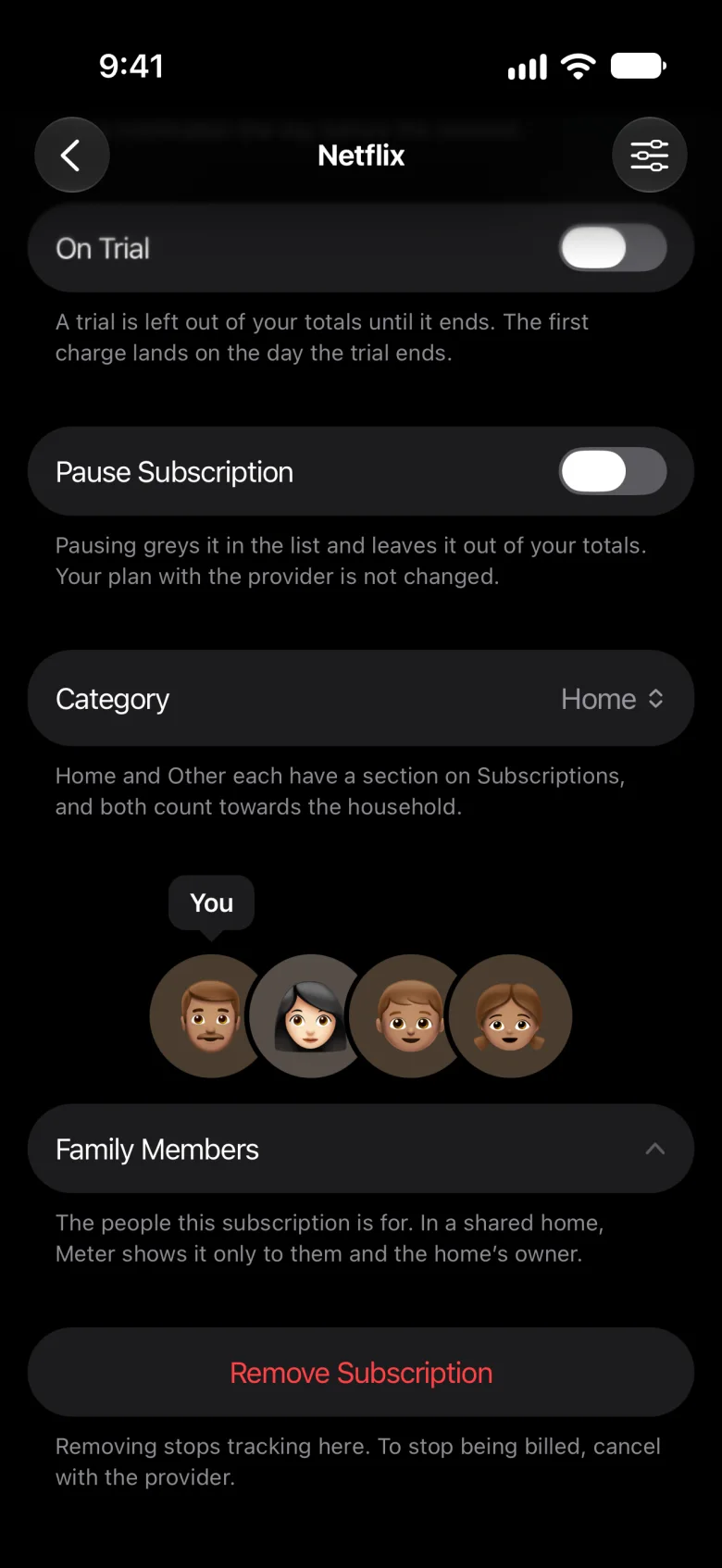
- Tick who each subscription is for
- Meter shows each person what’s theirs
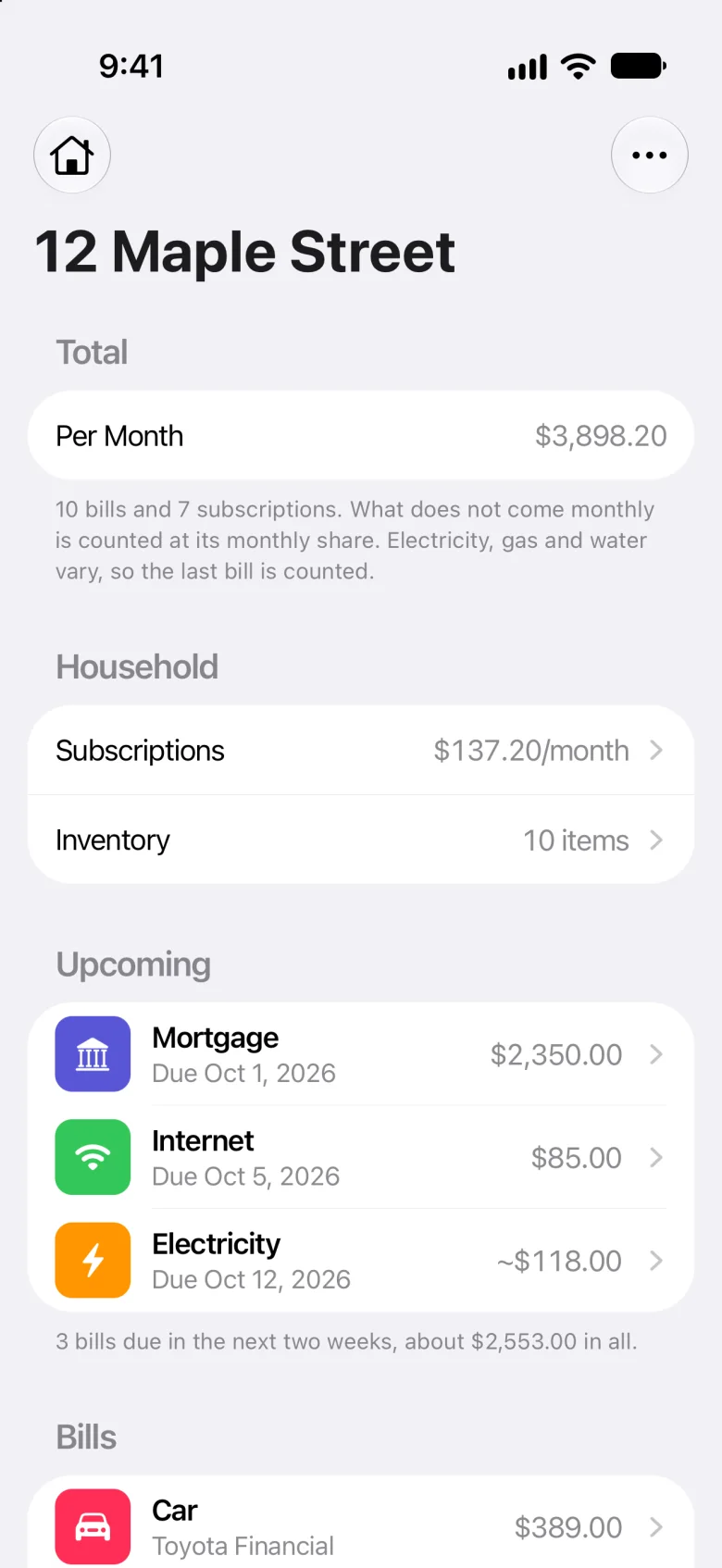
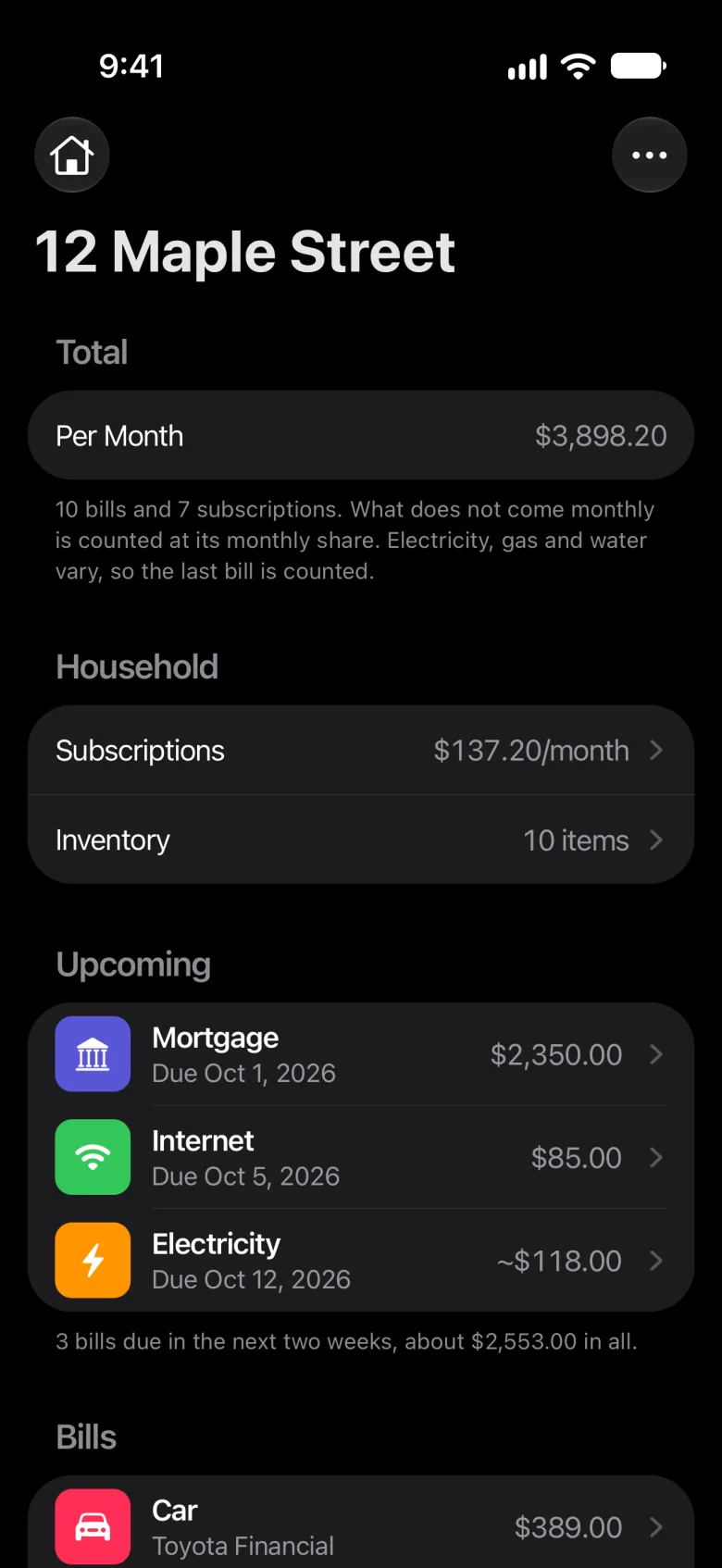
- You see everything in a home you share
Sharing needs iCloud. Keep more than one home, if you like. More on Meter as a household bill tracker.
Privacy
Yours, and only yours.
What you add is kept on your iPhone and in your iCloud, and with anyone you share a home with. Nothing is sent to us.
- No account
- Meter has no account and no server.
- No bank
- It never connects to one.
- No tracking
- No analytics or advertising in the app.
- Encrypted
- What’s in each home is encrypted with your iCloud keys.
The privacy policy has the details.
What Meter doesn’t do
Meter is a manual tracker. It never connects to a bank, so it can’t find your subscriptions for you, and it doesn’t cancel them: a reminder comes the day before, so you can. It’s for iPhone only, not Android or the web, and for households in the US and Canada.
Looking for the ones you’ve forgotten? Here’s how to find subscriptions without a bank. Rather have an app that links your bank? See how Meter compares with one.
Questions
Is Meter free?
Yes, during early access: every feature is free for beta testers, with no ads.
Does Meter connect to my bank?
No, never. You add your subscriptions yourself, and nothing you add is sent to us.
Can Meter find subscriptions I forgot?
No. Meter never connects to a bank, so it can’t find charges for you. Here’s how to find your subscriptions without a bank; then add each one, or share its receipt into Meter.
Why not use a spreadsheet?
You can. Meter adds what a spreadsheet won’t do on its own: a reminder the day before each renewal, and a list of what renews in the next three days. Here’s more on tracking subscriptions in a spreadsheet.
Can my family use it?
Yes. Share a home with them through iCloud, and tick who each subscription is for. Meter shows each person what’s theirs, and you see everything. They join on an iPhone with Meter, signed in to iCloud.
Which iPhones does Meter work on?
Meter is for iPhone; it isn’t on Android or the web. Sharing a receipt, a PDF or a Safari page into Meter needs Apple Intelligence, on iPhone 15 Pro or later. Without it, you add each subscription yourself.
Does Meter work in Canada?
Yes. Meter is for households in the US and Canada.
How do I get Meter?
Join the beta on TestFlight. On your iPhone, tap Join the beta, install TestFlight if you don’t have it, then tap Accept and Install. It’s free during early access.
Meter for iPhone
Track every subscription on your iPhone.
Every subscription in one place, a reminder the day before each one renews, and a home you can share. No bank, no account, and nothing you add is sent to us.
Free during early access, for iPhone in the US and Canada.