A bill tracker for landlords
and tenants.
Keep each rental as its own home, with its own bills and a reminder the day before each one. Share it with your tenant, and they see only the bills that are theirs.
Why a rental
One home, two sets of bills.
A rental comes with the bills of owning it and the bills of living in it, and the lease says who pays which. Meter keeps both in the rental’s own home, and your tenant sees only the ones that are theirs.
- The owner’s bills
- The mortgage, the property tax and the insurance, and any utilities left in the owner’s name.
- The tenant’s bills
- The rent, and the electricity, internet and anything else the lease puts in the tenant’s name.
- Due dates on both sides
- A reminder comes the day before each bill is due, at 9 a.m.
Landlords
Each rental, its own home.
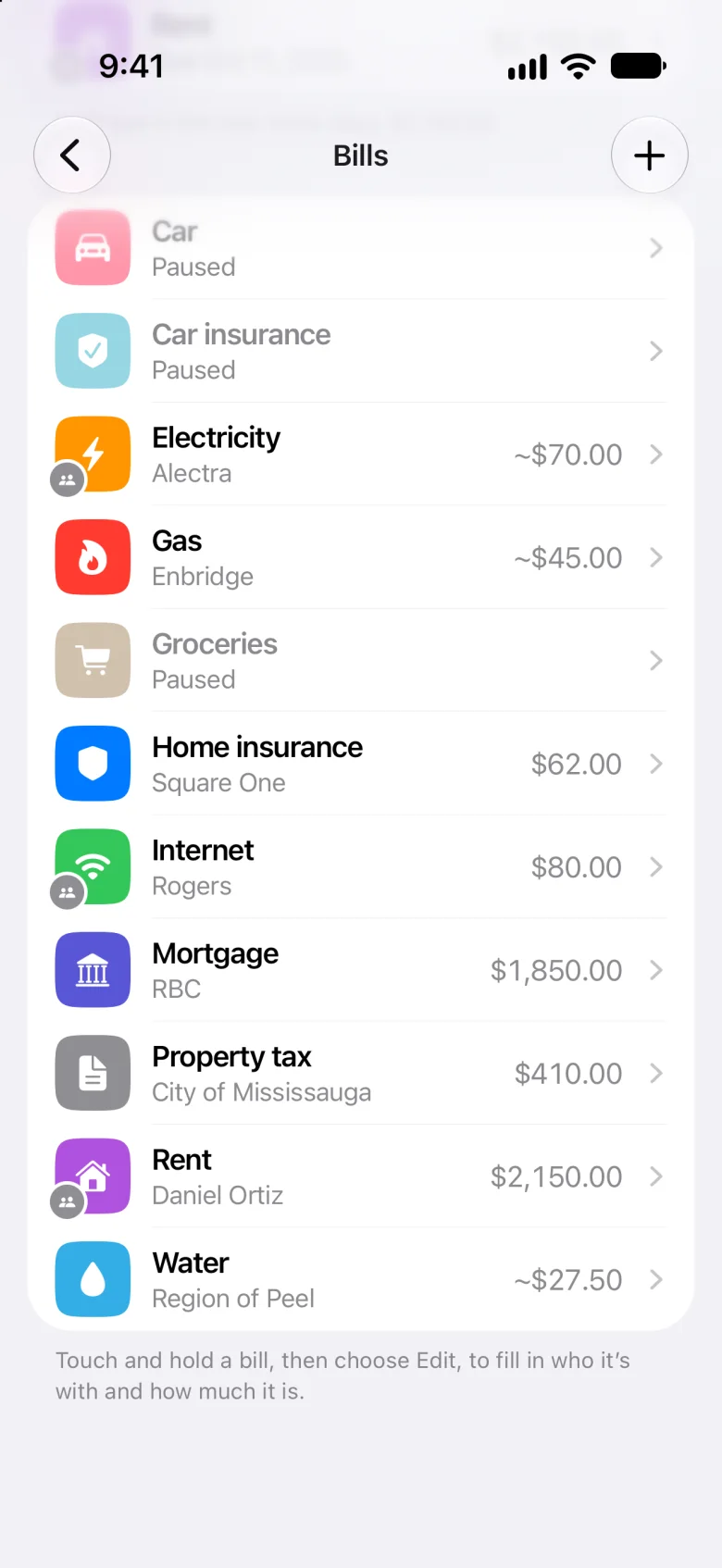
Keep a home for each place you rent out, beside the one you live in. Each keeps its own bills, and the ones that are your tenant’s are marked in your list.
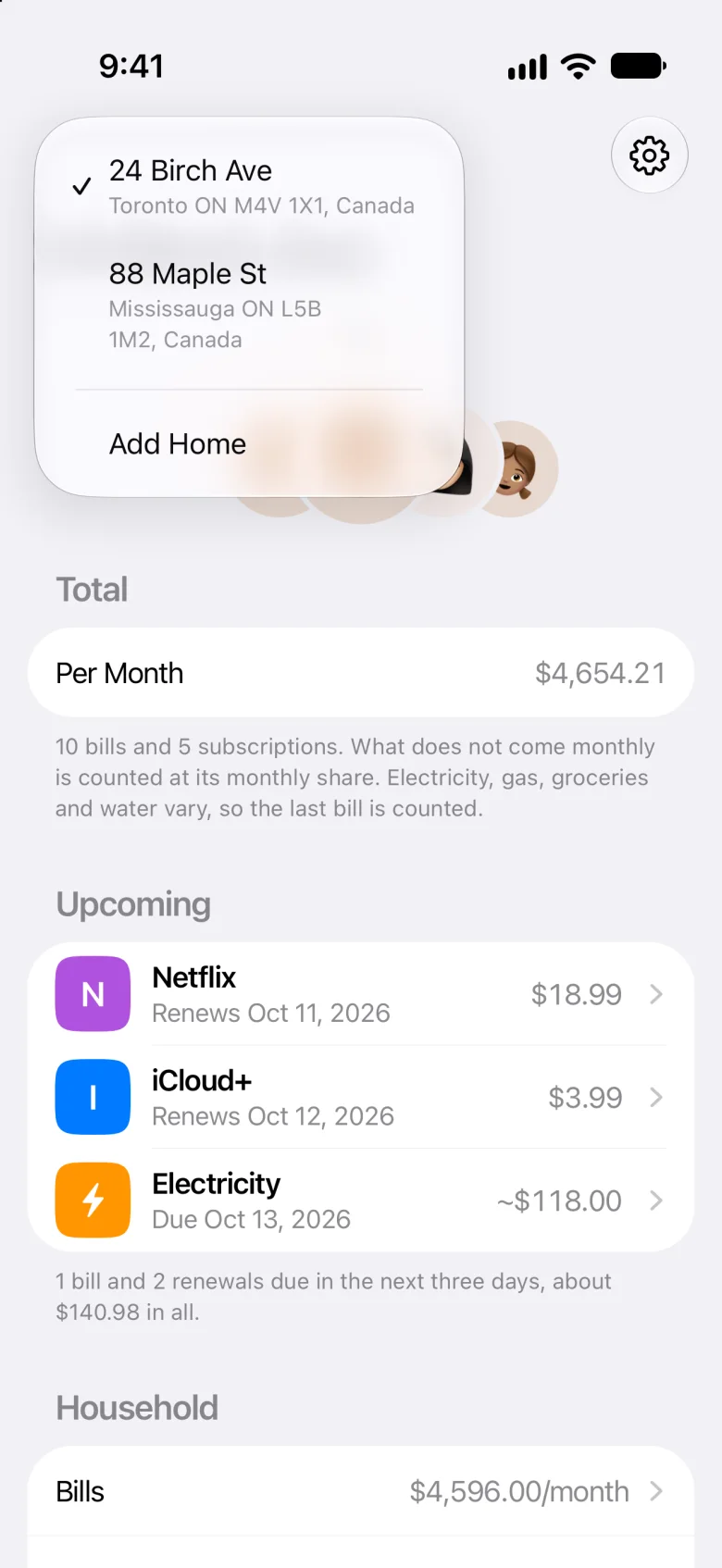
- Switch homes from the house at the top left of Home
- Pause the bills a rental doesn’t have, like the car
- Add any other bill by its name
Keeping the home you live in, too? Here’s Meter as a household bill tracker.
Sharing
Share it with your tenant.
Meter calls the people in a home its family, so your tenant goes under Family Members. The home is shared through iCloud, and they join on their own iPhone.
-
Add them
In the rental’s home, tap the gear, then Family Members, and tap Add Family Member.
-
Invite them
Open the person you added, tap Invite, and send the link by Messages or Mail.
-
They join
They accept the invitation on an iPhone with Meter, signed in to iCloud.
Their bills
Tick the bills that are theirs.
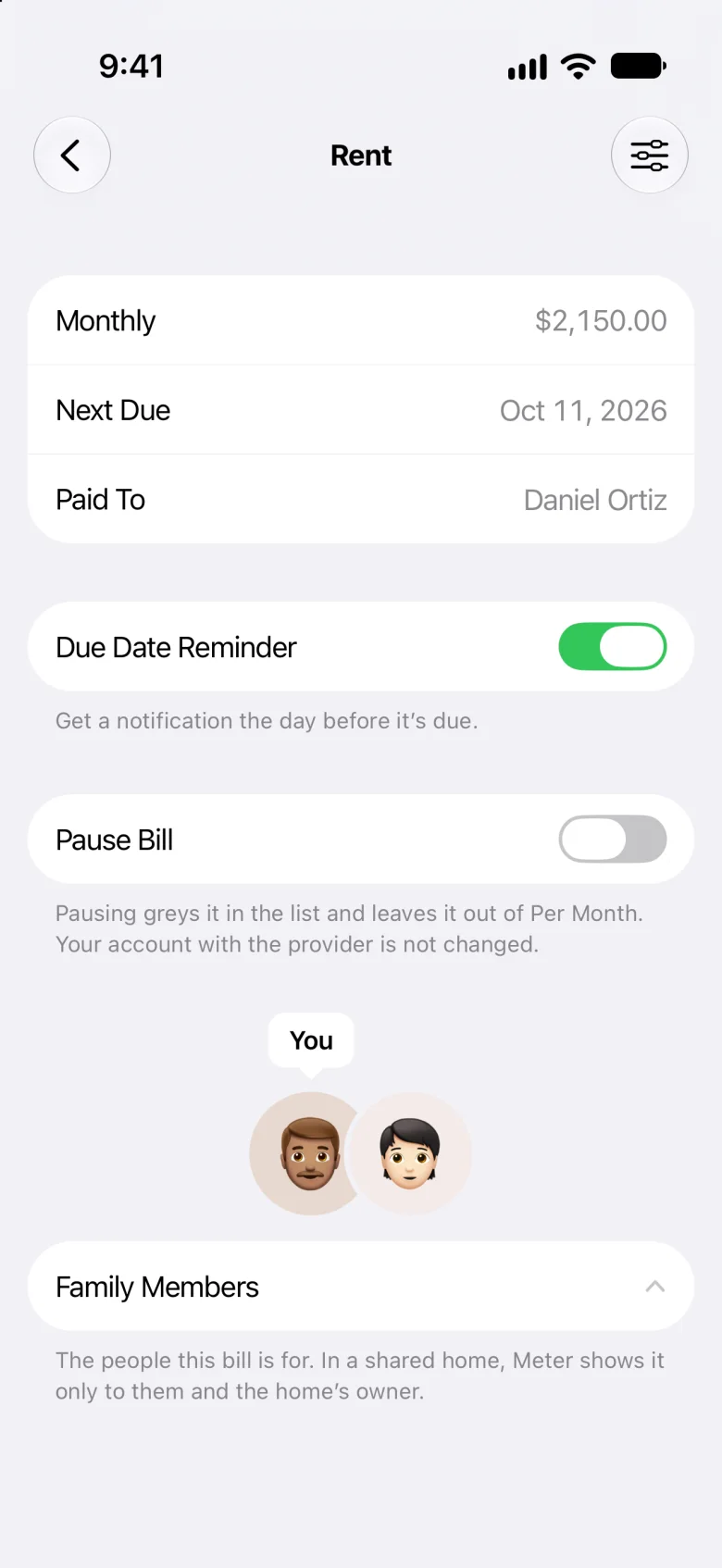
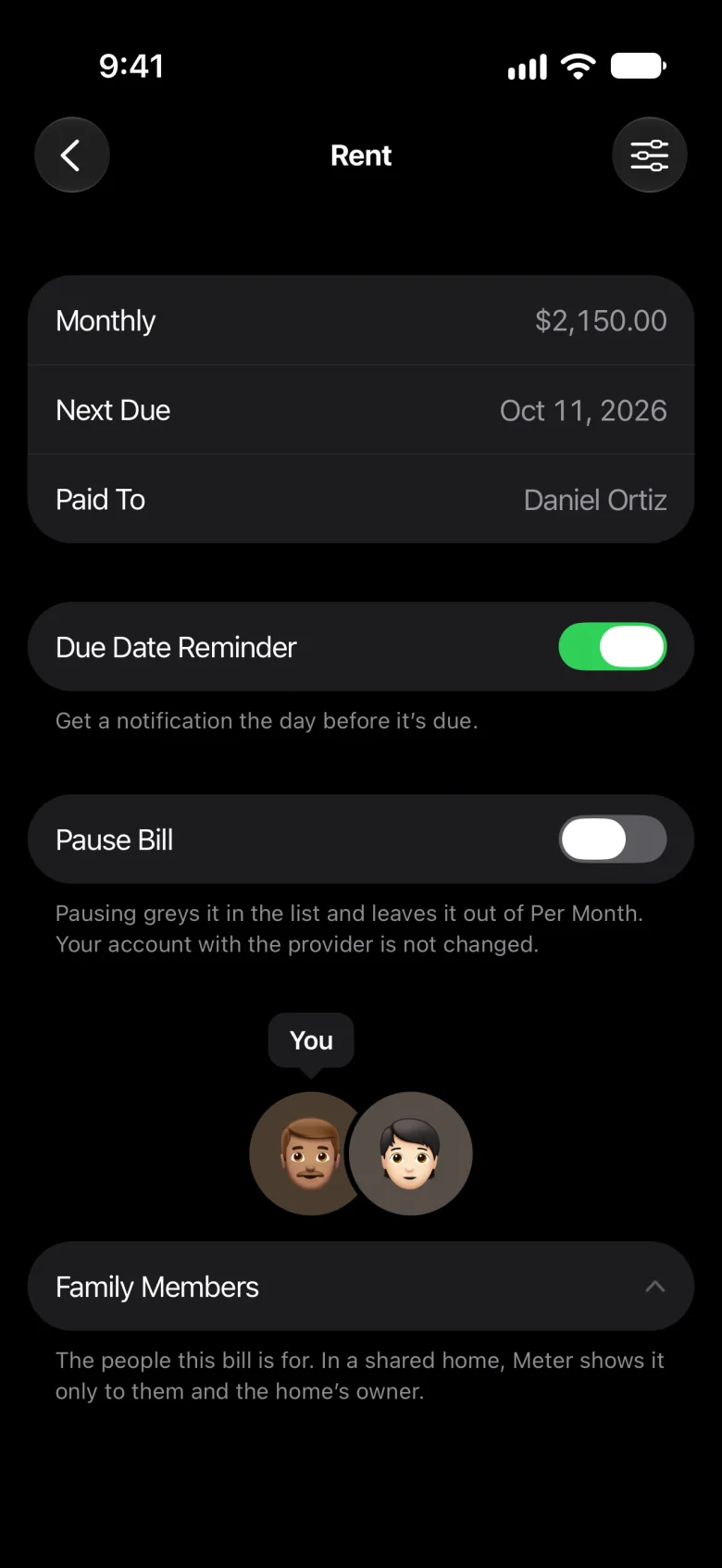
Open a bill, tap Family Members, and tick your tenant: the rent, say, and the utilities in their name.
- Your tenant sees only the bills you tick for them
- You see everything in the rental’s home
- Only you change the home’s address and family
Meter hides the rest from your tenant, but everyone in a shared home receives all of it. The privacy policy has the details.
Tenants
Your tenant sees only their bills.
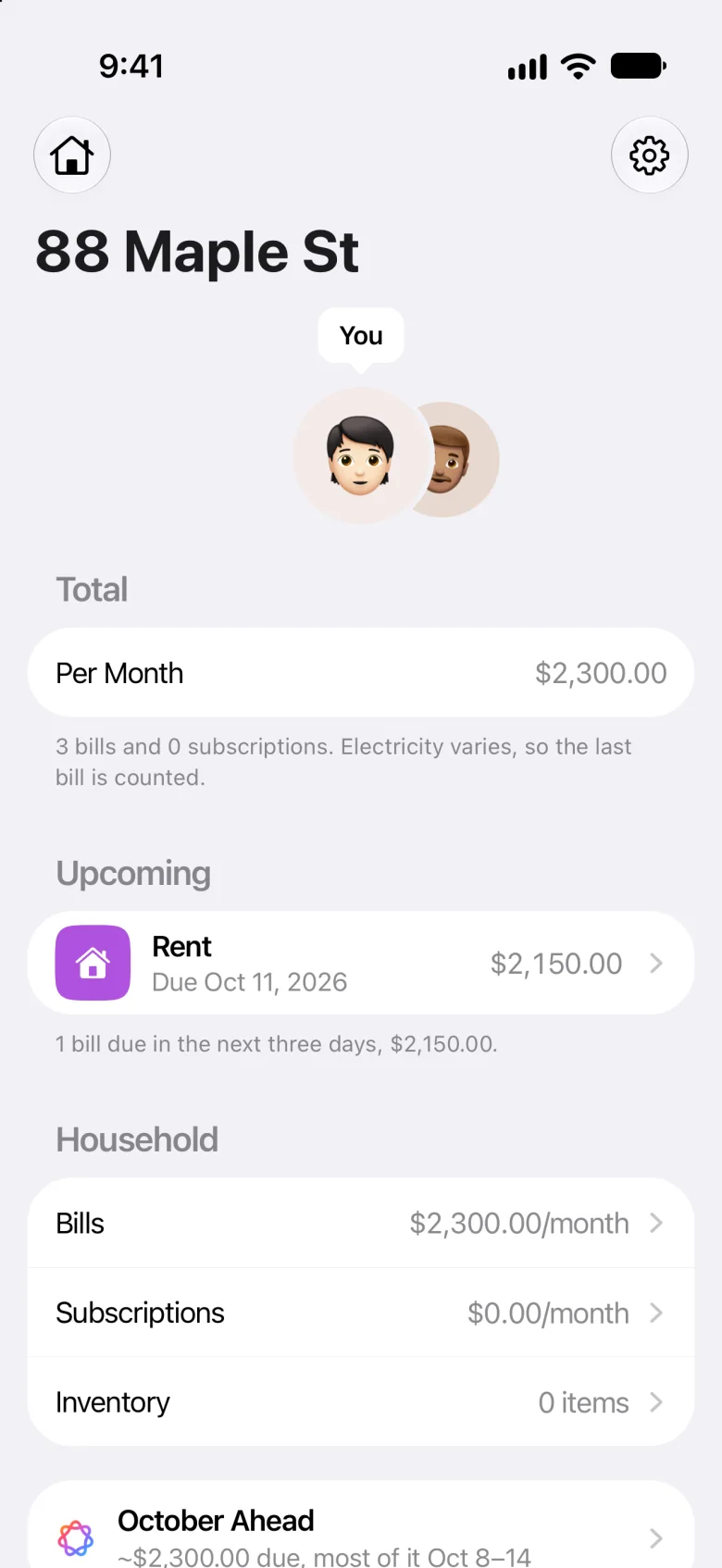
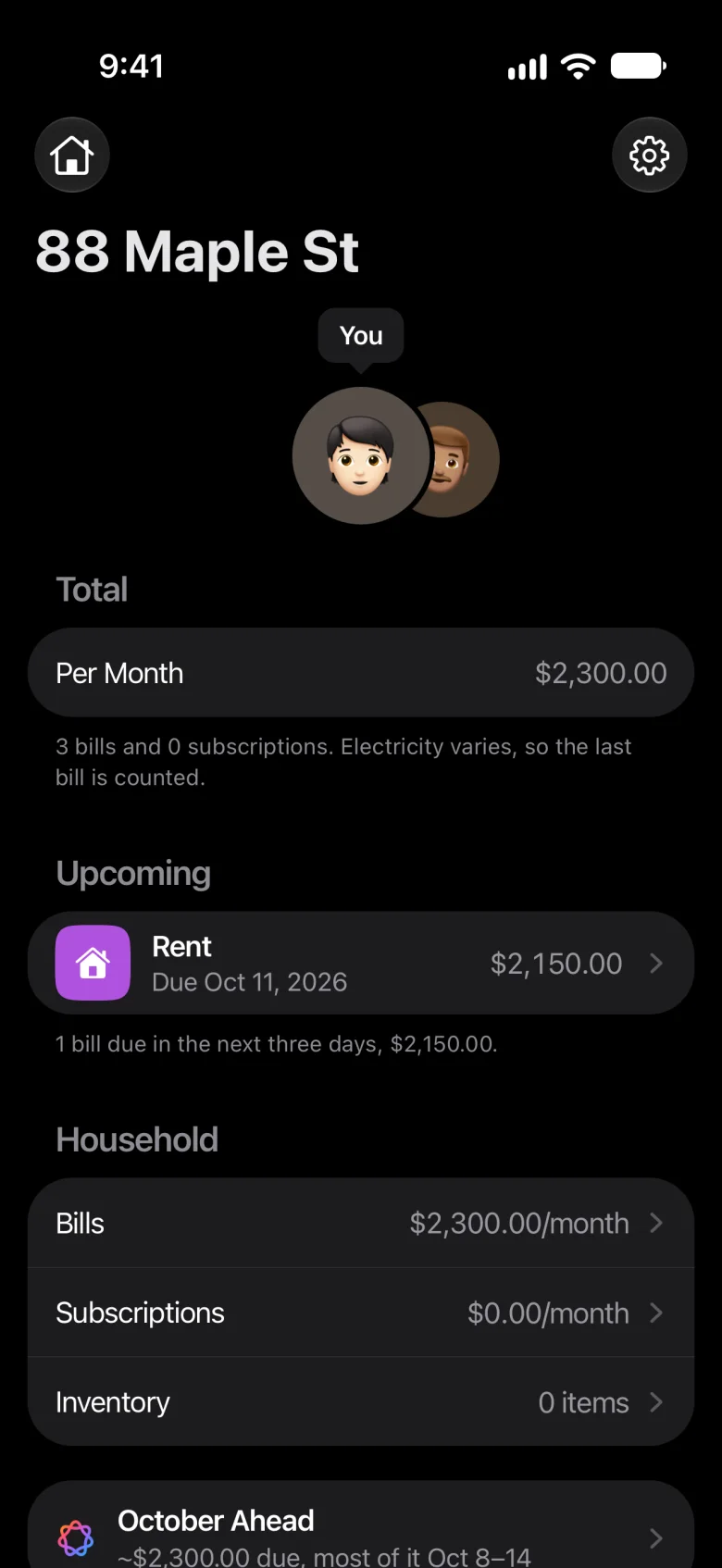
On their iPhone, the rental holds just what you ticked for them, added up to a Per Month of their own, with what’s due soon.
- Upcoming shows what’s due in the next three days
- A reminder at 9 a.m. the day before each one is due
- They can leave the home from Settings at any time
Rent day
A reminder the day before rent is due.
Give the rent its next due date and how often it comes. The reminder comes the day before, on your iPhone and your tenant’s, and after each due date the next one takes its place by itself.
- Every 2 weeks, monthly, every 2 or 3 months, or yearly
- A Due Date Reminder switch on each bill
- Bills that vary, like electricity, count by the last one
Renters
Renting, with or without your landlord.
Your landlord doesn’t need Meter for you to use it. Start a home for the place you rent, fill in the rent and the bills in your name, and pause the ones a renter doesn’t have, like the mortgage and the property tax. Add any other by its name, like tenant insurance.
Privacy
Private to each home.
What you add is kept on your iPhone and in your iCloud, and with the people you share a home with. Nothing is sent to us.
- No account
- Meter has no account and no server.
- No bank
- It never connects to one.
- In your iCloud
- Your homes are the same on every iPhone you sign in to.
- Encrypted
- What’s in each home is encrypted with your iCloud keys.
The privacy policy has the details.
A bill tracker, or property management software
Property management software runs a tenancy. Meter keeps the bills on both sides of one.
| Question | Meter | Property management software |
|---|---|---|
| Built for | The bills each home has, and who each one is for | Usually running rentals: listings, leases, rent and repairs |
| Rent | A bill with a due date and a reminder the day before; Meter never collects it | Often collected online, sometimes for a fee |
| Your tenant | Joins the rental’s home on their iPhone and sees the bills you tick for them | Usually signs in to a tenant portal or app |
| The home you live in | Kept beside your rentals, as a home of its own | Usually not: it’s for the places you rent out |
| Account | None; what you add is kept on your iPhone and in your iCloud | One for you, and often one for each tenant |
Property management software differs, so this is how it usually works, not how any one app does.
What Meter doesn’t do
Meter doesn’t collect rent or take payments, and it doesn’t track who paid: a due date simply moves on to the next one. It doesn’t split costs or keep track of who owes whom, and it keeps no leases, receipts or tax records.
Sharing a home needs iCloud, and your tenant needs an iPhone with Meter: it isn’t on Android or the web. It’s manual, too: Meter never connects to a bank. It’s for households in the US and Canada.
Here’s more on Meter as a recurring bill tracker.
Questions
Can I share bills with my tenant in Meter?
Yes. In the rental’s home, tap the gear, then Family Members, and add your tenant. Then open them, tap Invite, and send the link by Messages or Mail. Once they accept it on an iPhone with Meter, signed in to iCloud, tick them on the bills that are theirs.
Will my tenant see my mortgage?
Not in Meter: your tenant sees only the bills you tick for them, and you see everything. But everyone in a shared home receives all of it, so keep anything your tenant shouldn’t have in a home you don’t share. The privacy policy has the details.
Can my tenant change a bill I share?
Yes. Anyone in a shared home can change what they see there, and the change reaches everyone in it. Only you, as its owner, change the home’s address and family.
Does my tenant need an iPhone?
To join the rental’s home, yes: an iPhone with Meter, signed in to iCloud. Meter isn’t on Android or the web. Without one, you can still keep the rental’s bills on your own.
Can I keep more than one rental?
Yes. Tap the house at the top left of Home to switch homes or add one. Each keeps its own bills, subscriptions and things, and you can share each one with its own tenant.
Does Meter collect rent?
No. Meter keeps track of what’s due and who it’s for, but it doesn’t collect rent, take payments or track who paid. A due date simply moves on to the next one by itself.
What happens when a tenant moves out?
Open them in Settings › Family Members and tap Stop Sharing, and the home goes from their iPhone. Then add your next tenant, invite them, and tick them on their bills. A tenant can also leave on their own: in Settings, they tap Leave Home.
I rent. Can I use Meter without my landlord?
Yes. Start a home for the place you rent, fill in the rent and the bills in your name, and pause the ones you don’t have, like the mortgage and the property tax. Your landlord doesn’t need Meter.
What does Meter cost?
Nothing during early access: every feature is free for beta testers, sharing a home included. Join the beta on TestFlight.
Meter for iPhone
Every home you run, in one place.
Meter is a bill tracker and a subscription tracker for iPhone: every bill, subscription and thing each home has, a reminder the day before each bill and renewal, and homes you can share. Nothing you add is sent to us.
Free during early access, for iPhone in the US and Canada.